












How to Do the Victoria's Secret AI Trend (Runway Video, Prompts Included)
The short version: The Victoria’s Secret AI trend puts someone new into a fashion-show “angel walk”: giant wings, spotlights, a strut down the runway, a wave, a blown kiss and a turn at the end. You can make one from a single image in two steps: generate (or upload) a hero shot in the wings, then animate it. Below is exactly how we made the clip in this post inside a FunGen project, with screenshots of each step, the prompts the agent used, and what it cost.
The clip we made for this guide: one generated hero image, one Seedance 2.0 image-to-video pass, 10 seconds, 9:16, no editing. The model is a fictional, AI-generated person. This is a fan-made trend video and has no affiliation with Victoria’s Secret.
What the Victoria’s Secret AI trend is
According to Starrd’s write-up of the trend, the idea is to recreate a celebrity’s “angel walk” from this year’s Victoria’s Secret Fashion Show and put someone else in her place: yourself, a friend, or a pet. Starrd’s guide includes person and pet versions with their own motion descriptions.
Why it spreads:
- The look is instantly recognizable. Oversized wings, a glossy runway and a wall of phone flashes read as “fashion show” in the first frame.
- It’s a transformation. An ordinary photo of a person or a dog becomes a supermodel moment, which is exactly what people share.
- The choreography is simple. Strut, wave, kiss, turn. With the beats set, most of the creative choice is who is walking and what the wings look like.
What you need
- One image. Either a photo of the person (or pet) you want on the runway, or a generated hero shot. We generated a fictional model so no real person is in the clip.
- An image-to-video model that keeps the face and outfit from the image while adding the walk.
- Credits: in our run, the 2K hero image cost 3 credits and the 10-second Seedance 2.0 clip at 720p cost 373 credits, so about 376 credits in total. In this run, the agent asked us to approve the estimate before submitting the video. Seedance 2.0 is on paid plans; eligible new accounts get 100 free credits, plus up to 200 more for reaching creation milestones.
Step 1: Describe the whole video in one message
Open a new project and describe the finished clip, not just the first image. We asked for the hero image first and the animation second, so the agent would plan both steps:

The message we sent:
Make a VS Runway trend video for TikTok: a fictional model (not a real person) walking a glossy fashion-show runway in huge pink crystal angel wings and a pink corset gown, bright spotlights, audience phone flashes in the dark. Vertical 9:16, about 10 seconds, one continuous shot. The walk: she struts toward the camera, waves, blows a kiss, then turns at the end of the runway. First make one hero image of her in the wings, then animate it.
List the moves in order. “Struts, waves, blows a kiss, then turns” gives the video model a sequence to follow. In our clip all four beats showed up, in that order.
Step 2: Get the hero image
The agent wrote its own image prompt from our message and generated a 9:16, 2K hero shot with GPT Image 2:
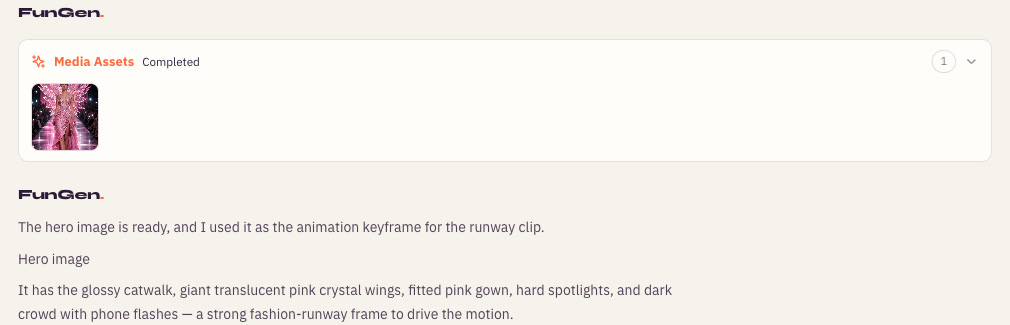
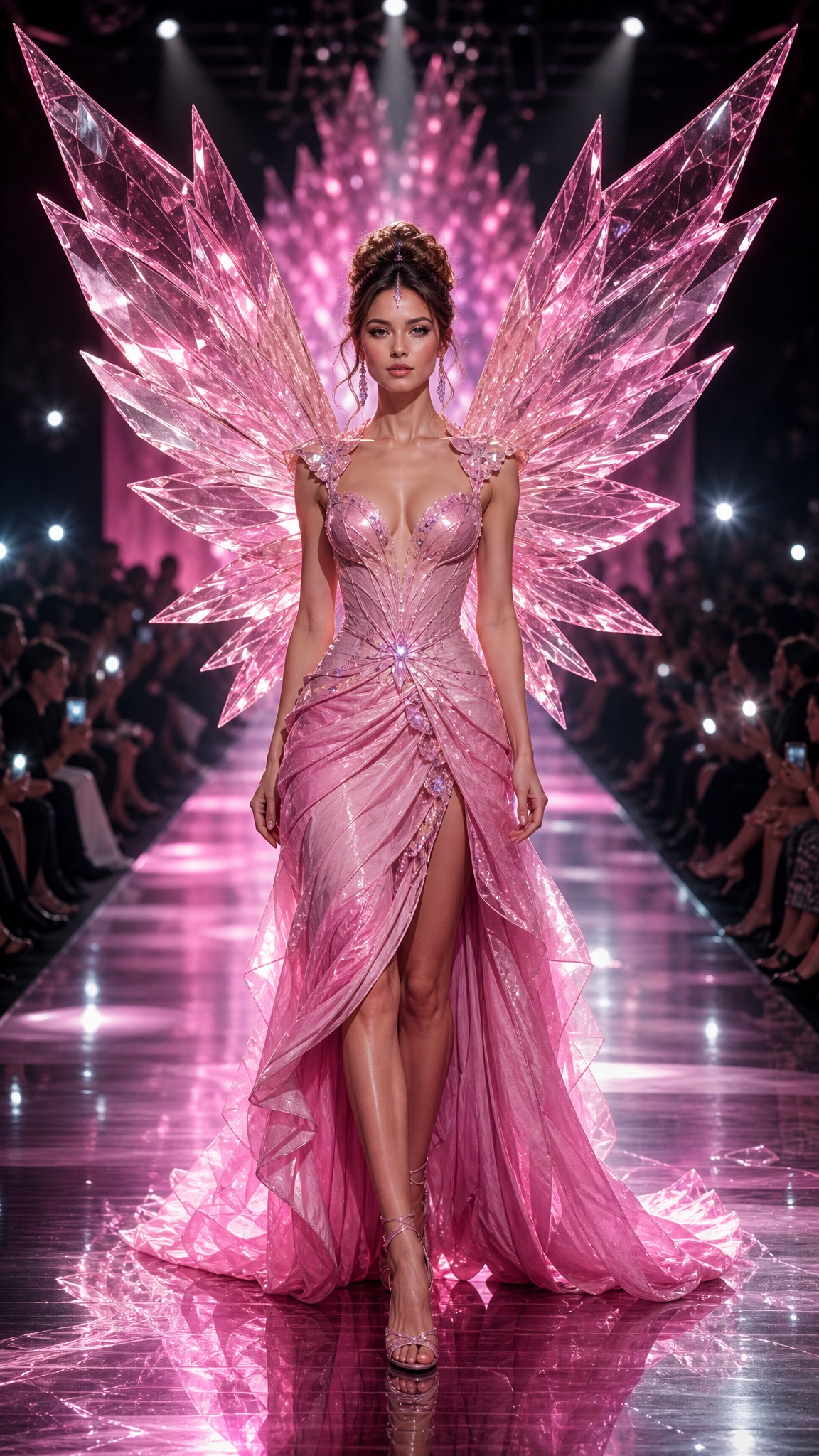
One prompt got blocked, and the rewrite passed. The agent’s first image prompt was rejected by the image provider’s content-safety check. That version named the brand (“Victoria’s-Secret-inspired”), asked for a “corset gown” and mentioned “long legs”. The version that passed dropped the brand name and described the outfit as “an elegant structured pink evening gown with a fitted bodice and flowing skirt”. The rewrite changed several things at once, so we can’t tell which phrase triggered the filter, and a similar rewrite isn’t guaranteed to pass. This is the prompt that worked:
A fictional couture runway model at a fantasy fashion show, walking on a glossy catwalk. She wears giant translucent pink crystal wings and an elegant structured pink evening gown with a fitted bodice and flowing skirt. She is an original fictional character, glamorous and poised. Full-body hero shot, centered composition, moving toward camera. Bright white and pink stage spotlights, dramatic rim light sparkling through the wings, dark audience on both sides with scattered phone camera flashes and soft bokeh. Luxury fashion editorial aesthetic, cinematic, reflective runway floor, premium textile detail, vibrant pink glow, realistic anatomy, sharp focus, no text, no watermark.
If you’re using your own photo instead, upload it with the + button in the chat and ask the agent to put that person (or pet) in the wings and gown. Keep the face clear and front-facing; it’s what the video model has to hold on to for the whole walk.
Step 3: Approve the render
In this run, the agent asked us to approve an estimated 370 credits before submitting the video. We asked for 10 seconds; the finished clip measured 10.08 seconds, and video is charged on the measured length (10.08 × 37 credits per second), so the final charge was 373.
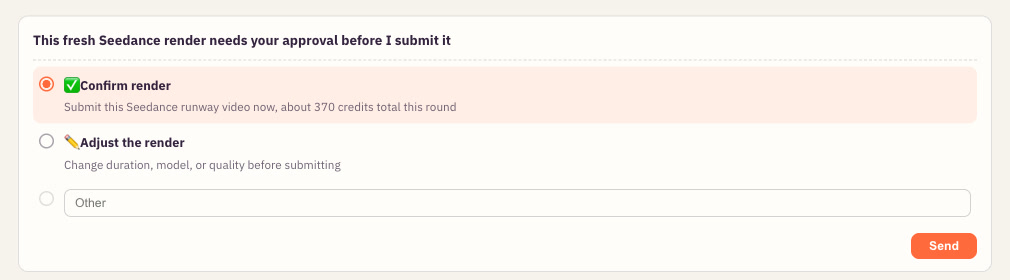
This card also offered Adjust the render, for a different length, model or resolution. We kept its defaults: Seedance 2.0, 10 seconds, 9:16, 720p. The finished file came with a soundtrack generated by the model; the player above starts muted.
The animation prompt the agent sent to the video model, using the hero image as the first frame:
A fictional high-fashion runway model in a glamorous Victoria’s Secret-inspired fashion show, wearing enormous translucent pink crystal angel wings and a luxurious pink corset gown, walking down a glossy reflective runway toward the camera in one continuous shot. Bright white-pink spotlights rake across her and the runway, while the audience remains mostly in darkness with scattered phone flashes sparkling from both sides. She struts confidently toward camera, gives a graceful wave, blows a kiss, then reaches the end of the runway and turns elegantly. Cinematic fashion-show energy, polished luxury, dynamic but smooth catwalk movement, realistic fabric and crystal shimmer, no text, no watermark.
Step 4: Check the result
In our test, rendering took about three minutes. The finished clip appeared in the chat:
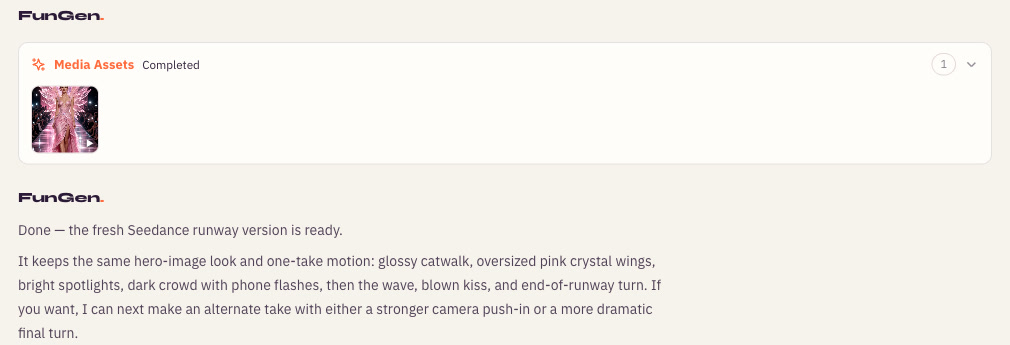
Here are four representative frames from our clip, left to right: the wave, the blown kiss, the turn and the look back over the shoulder.
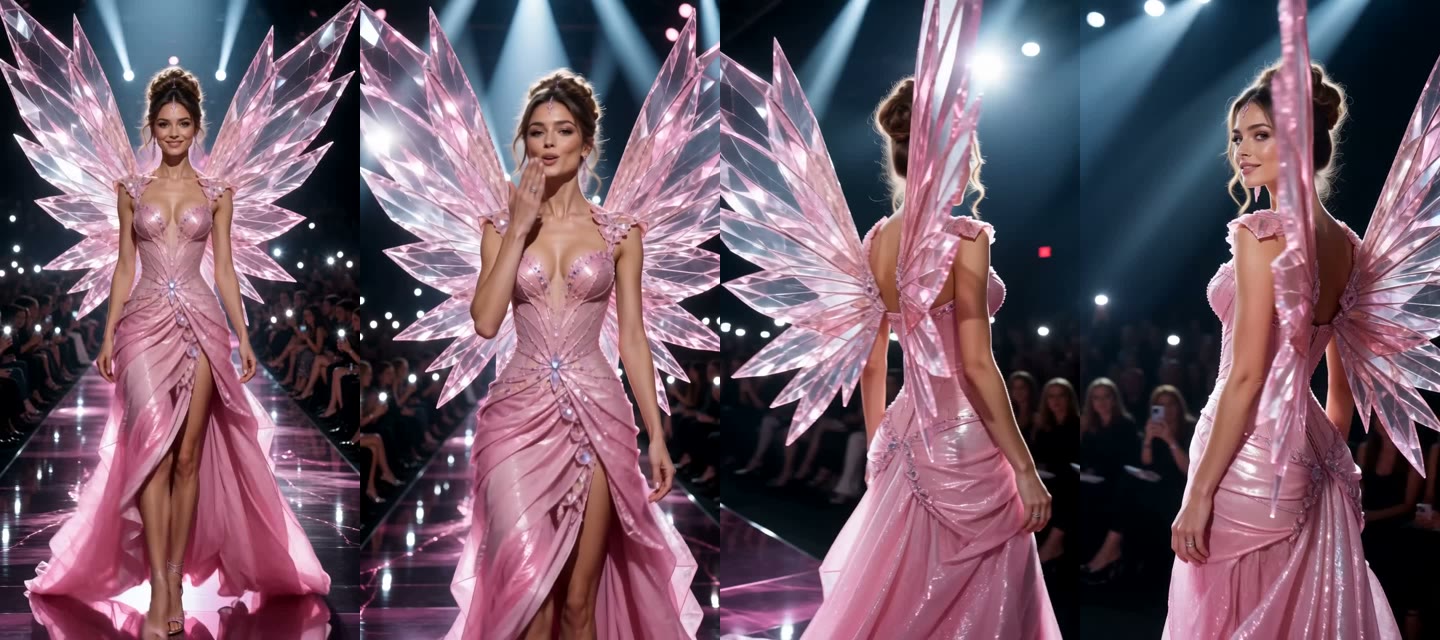
What held up: the face and the gown stayed consistent through the walk, the wings held their shape for most of the clip, the turn showed the back of the wings, and the crowd’s phone flashes kept flickering in the background.
What didn’t: in the last second, one wing grows a long vertical shard that wasn’t in the hero image. It’s easy to miss at phone size, but if it bothers you, trim the last half-second or ask the agent for another take with “keep the wings exactly as in the first frame”.
Tips for your own version
- Try a pet version. We only tested a fictional AI-generated person, so this is untested: upload a clear photo of your dog or cat and ask for it “in tiny pink crystal wings walking a fashion runway”. Ask for the pet to stay on all fours or in a hop if a human strut looks odd.
- Change the wings, keep the walk. Black feathers for a “dark angel” version, white feathers for the classic look, or wings that match your outfit. The motion prompt stays the same.
- One continuous shot is enough. You don’t need cuts. A single walk toward the camera with a turn at the end matches what people expect from the trend.
- Check the sound before you post. Our clip came with model-generated audio. If you swap in a track from TikTok or Instagram, check that its license covers your account type and use.
- Label it as AI. TikTok, Instagram and YouTube all have AI-content labels; turn them on when you upload.
- Use only photos you have permission to use. Don’t put real people, including celebrities, on the runway without their consent.
FAQ
Can I do the Victoria’s Secret AI trend with my own photo? You can try. Upload a clear, front-facing photo in the project chat and ask the agent to put that person in the wings and gown. We didn’t test a real photo for this guide, so we can’t promise how closely the face holds up or that every provider accepts it; a sharp, well-lit photo gives the model the most to work with.
How long should the video be? Ten seconds was enough for our strut, wave, kiss and turn.
Why was my image blocked? Image providers run their own safety checks. In our test, a prompt that named the brand and asked for a corset was rejected, and a rewrite that described the outfit as a structured gown with a fitted bodice went through. The rewrite changed several things, so we can’t say which one mattered.
How much does it cost? Our run used 376 credits: 3 for the hero image and 373 for the 10-second Seedance 2.0 video (charged on its measured 10.08 seconds). Longer clips or higher resolutions cost more. In our run, the agent showed the estimate and asked for approval before the video.
More trend walkthroughs: the Raindance AI trend, the flying Tesla Roadster video, and how to make a photo talk with AI.