












AI Dance Generator
Make your photo dance
Upload a photo of a person, pick a dance, and FunGen turns the photo into a short dance video. You can also upload your own 3–10 second dance clip for the person to copy.
Kling 2.6 motion control. Billed per second of the result, up to the estimate. Standard has been tested on this page; Pro is the provider's higher-quality mode.
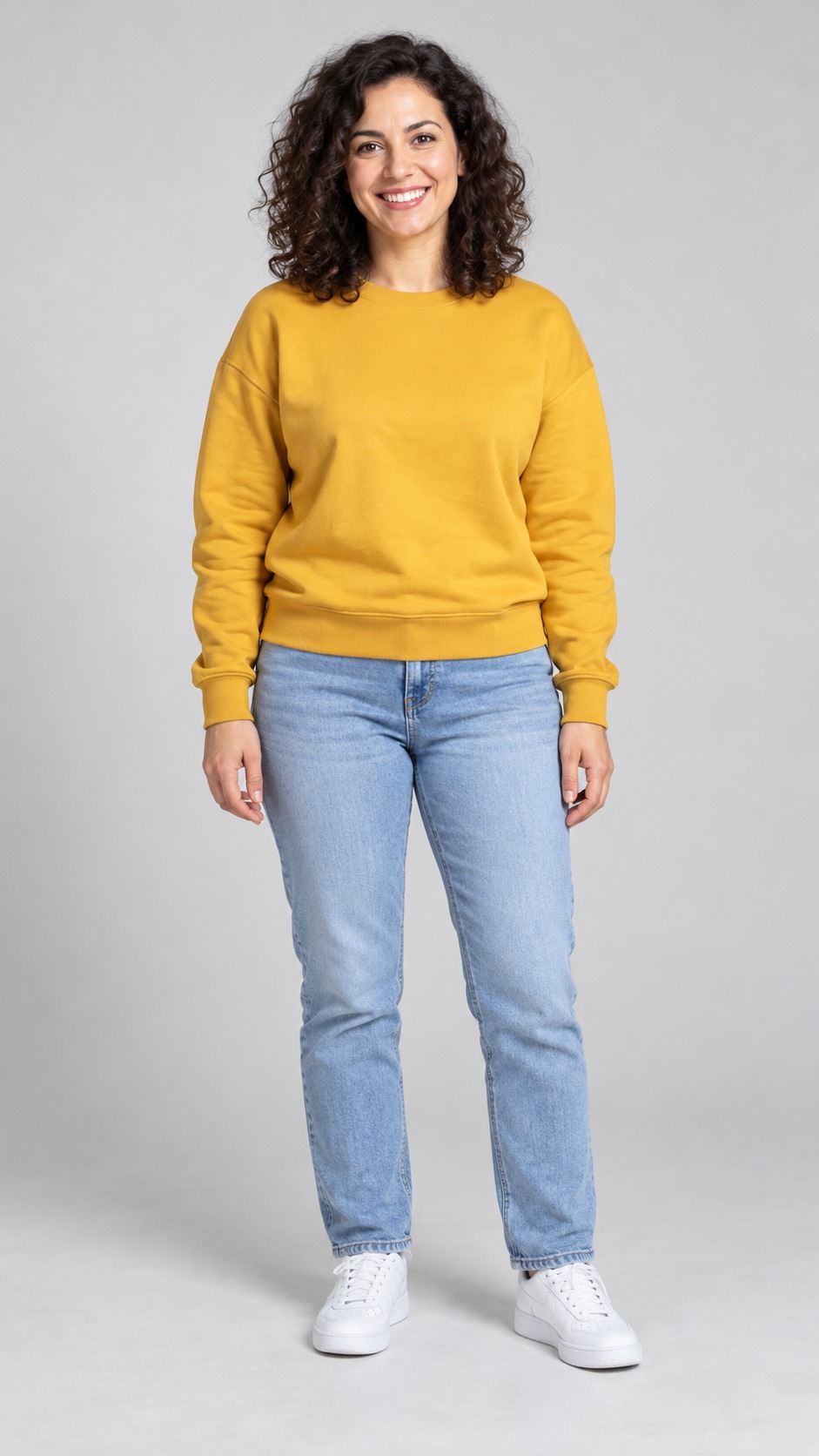
One photo, three dances
The photo and the dances are AI-generated and show fictional adults, not real people. Each result was the first attempt, made on 1 November 2026 with the Kling 2.6 motion control model in Standard mode. Each took about 5½–7 minutes and came out at 720 × 1264. The dances have no sound, and neither do these results. The videos are compressed for this page. Results vary from run to run.
Three steps
Upload a photo
One person, standing, with the whole body in frame from head to feet.
Pick a dance
Choose one of the ready-made dances, or upload your own 3–10 second dance clip.
Generate
Check the estimate and generate. The person in your photo dances. Download the MP4.
An AI dance video generator that starts from one photo
Most dance videos need a dancer. Here the dancer comes from the reference clip and the look comes from your photo, so one picture is enough. The AI follows the timing of the dance and tries to keep the face, hair and outfit from the photo. Faces, clothes, moves and framing can still change from the photo and the clip, so check each result.
The ready-made dances are short, simple and shot full-body on a plain background, which is what the model handles best. If you have a dance you want to copy, upload it instead: one dancer, whole body in frame, no cuts.
What people use it for
Questions about the AI dance generator
What is an AI dance generator?
It makes the person in a still photo dance. You pick a dance clip, and the AI generates a new video where the person from your photo performs those moves. It aims to keep their face, hair and outfit, but these can change during the dance, and the moves won't match the clip exactly.
Which dances can I choose?
There are 3 ready-made dances, each about 6.6 seconds long: Step groove (side steps, shoulder bounces and easy arm swings); Slow sway (hip sways, shoulder rolls and gentle arm sweeps); Hip-hop bounce (bouncing, arm pumps, step-touches and head nods). You can also upload your own 3–10 second dance video, MP4 or MOV, up to 100 MB.
How many credits does it cost?
Standard is 15 credits per second of dance and Pro is 30. One of the ready-made dances is about 99 credits on Standard and 197 on Pro. You see the estimate before you generate. You're charged for the seconds you get back, up to that estimate, and only when the video is delivered.
What photo works best?
One person, standing, with the whole body visible from head to feet, on a simple background. Photos cropped at the waist give the AI less to work with, so the legs and feet are more likely to look wrong.
Does the video have music?
The ready-made dances have no sound, and the three example results on this page came out silent too. If you upload your own clip, its audio may be kept, but that isn't guaranteed. You can add music in the FunGen editor afterwards.
Is it an AI dance video generator or a motion tool?
Both: this page is an AI dance video generator built on the Kling 2.6 motion control model. For moves that aren't dances, such as a wave, a walk or a pose, use the Motion Control AI page.
Only use a photo of yourself or of an adult who has clearly agreed to it. If you upload your own dance clip, you need the rights to it and its audio. Don't use this to impersonate anyone, to suggest someone endorses something, or to pass the result off as real footage. The result is AI-generated: label it as such where the platform asks you to.