












Santa in My House
AI photo and video of Santa in your home
Upload a photo of your living room or Christmas tree. FunGen puts Santa Claus in it, placing a present as if a home camera caught him, and can then turn the photo into a short video. You see the credit cost before each step.
Photo: GPT Image 2 · about 2 credits. Video: MiniMax H3 · 720p pricing tier · 11 credits per second. If a model is temporarily unavailable, FunGen may switch to a backup model, and the final charge can differ from the estimate.
Room photo → Santa photo → video
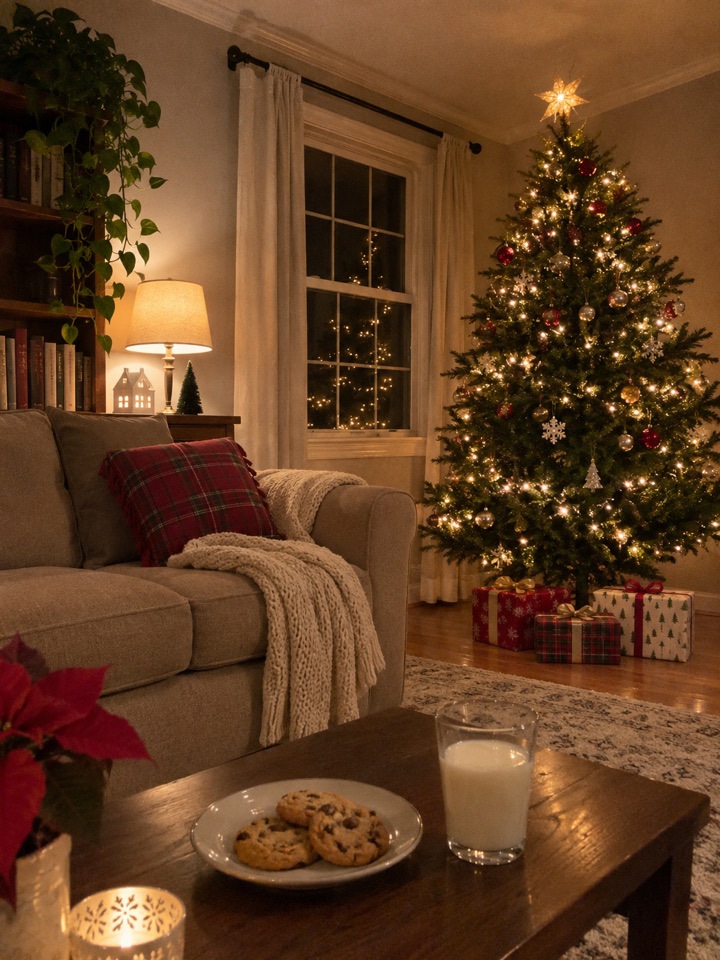
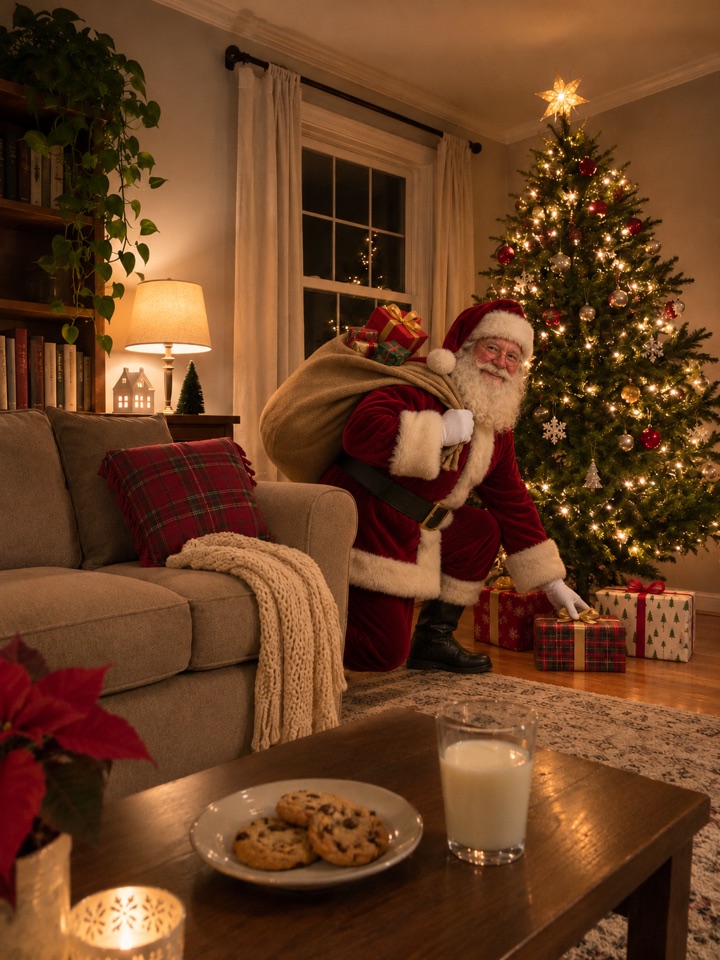
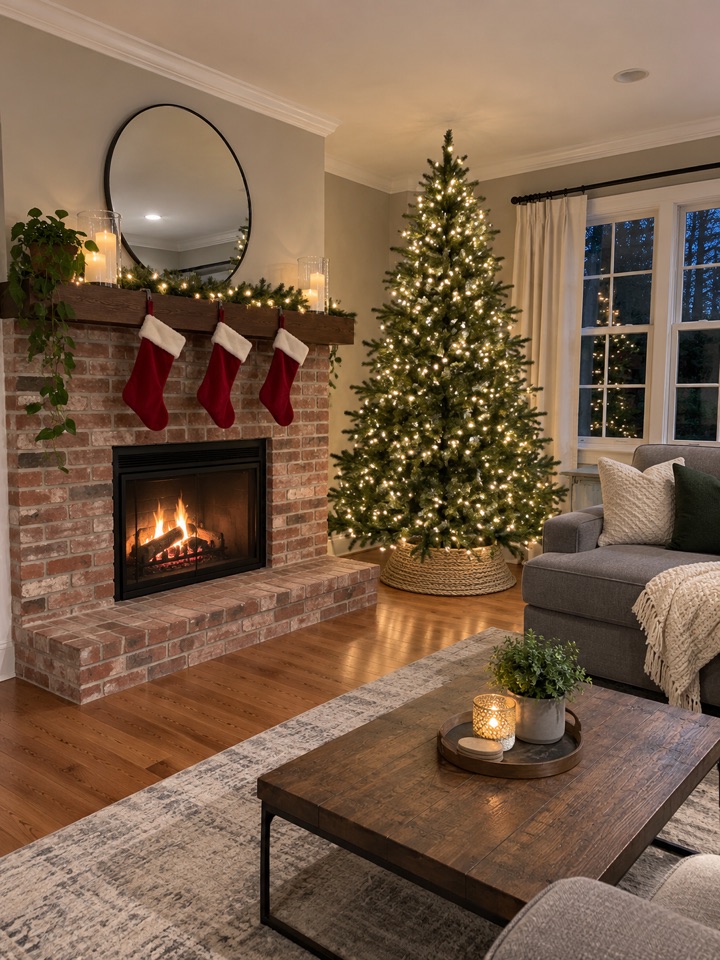
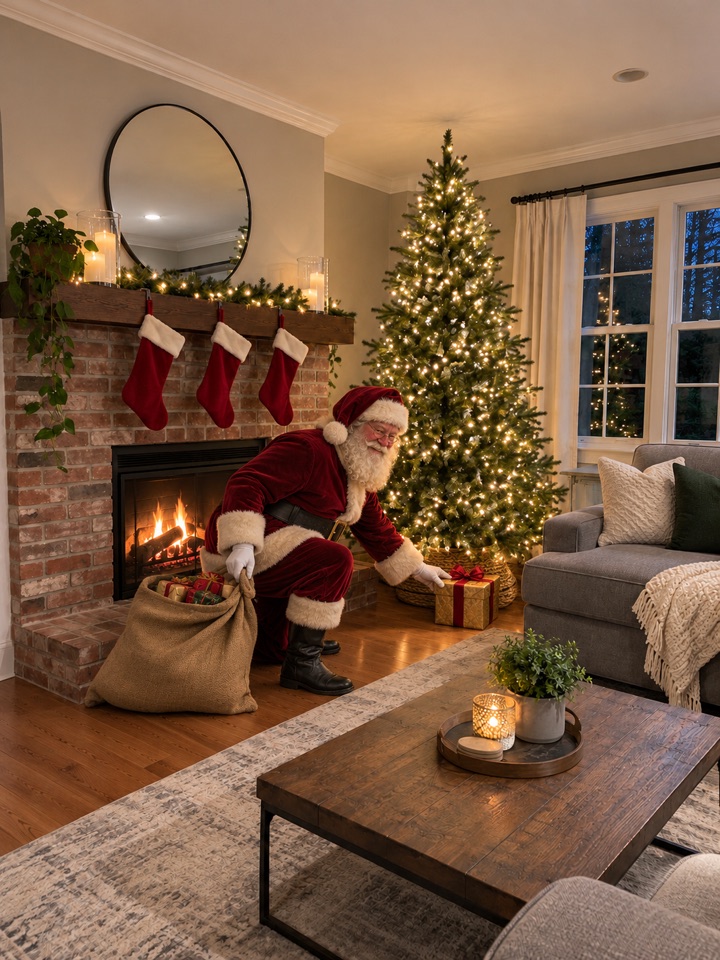
Both rooms are AI-generated, not real homes. Each Santa photo and each video was the first attempt, made on 3 November 2026 with the same models, Santa reference and instructions this page uses, by calling the providers directly from our test setup rather than through this page, and not edited afterwards. The model added the sound on its own; a clip may or may not have sound. Results vary from run to run.
Three steps
Photograph your room
The living room, the tree or the fireplace, with nobody in the shot. Night with the lights on looks best.
Get your Santa photo
Santa appears in your room placing a present, lit like the room. Download it, or keep going.
Make it a video
Pick 4 or 8 seconds. We ask the model for Santa to set the present down and make a "shh" gesture; the exact motion varies.
What families do with it
Questions about Santa in My House
How does Santa in My House work?
Upload a photo of a room in your home. FunGen adds Santa Claus to that photo, life-size and lit like the room, placing a present near your tree or fireplace. If you like the photo, you can turn it into a short video. The video asks for Santa to set the present down and make a quiet "shh" gesture at the camera; the exact motion varies and isn't guaranteed.
How many credits does it cost?
The photo costs about 2 credits. Turning it into a video uses MiniMax H3 at 11 credits per second: 44 credits for 4 seconds or 88 for 8 seconds. You only pay for the video if you choose to make one. If a model is temporarily unavailable and a backup model is used, the final charge can differ from the estimate.
Is it the same Santa every time?
Every request uses the same original Santa design as a reference to help keep his appearance consistent, but details can vary from run to run. His pose and position change with your room.
What photo should I upload?
A clear photo of the room with no people in it, taken from where a camera might sit: a shelf, a doorway or a corner. A Christmas tree, a fireplace or stockings help the scene, but any room works. Night-time photos with lights on look the most magical.
Will it change my room?
It is told to keep your furniture, layout and camera angle as they are, and in our tests it did. Small details can still change, so check the result before you share it.
Can I upload a photo of my kids?
Please don't. This tool only needs a photo of the room. Photos that show children may be blocked by our safety checks.
Only upload photos of places you have the right to share. The result is AI-generated: label it as such where the platform asks you to.