












AI Halloween Video Generator: Make a Spooky Doorbell-Cam Clip in Minutes
The short version: The Halloween clip that keeps going viral isn’t a big horror production. It’s a grainy night-vision camera pointed at a porch, glowing jack-o’-lanterns, and a pale figure that’s there one second and gone the next. With an AI video generator you can make one in two steps: generate the “camera still,” then animate it. Below are the exact prompts and settings we used, with screenshots.
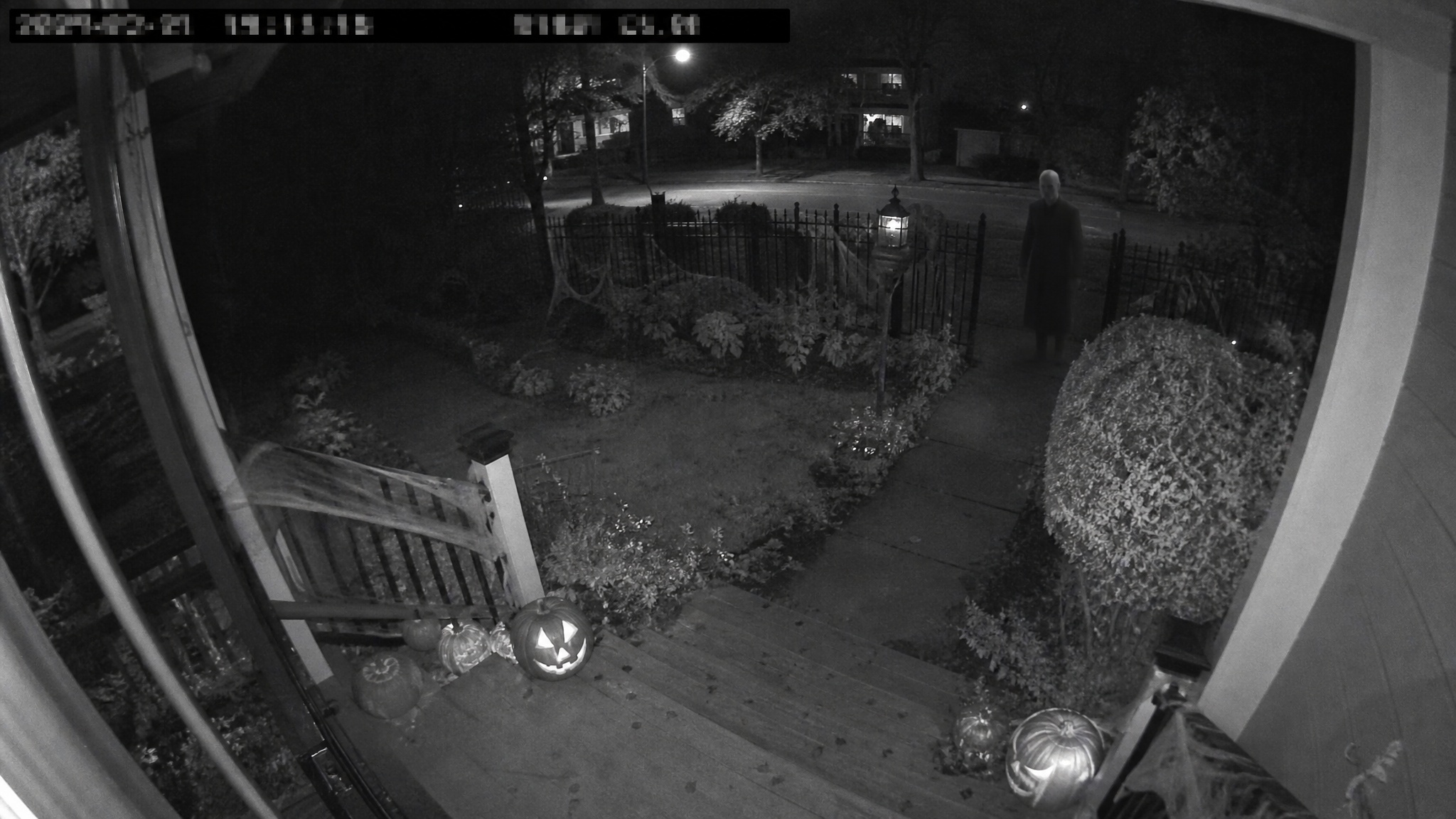
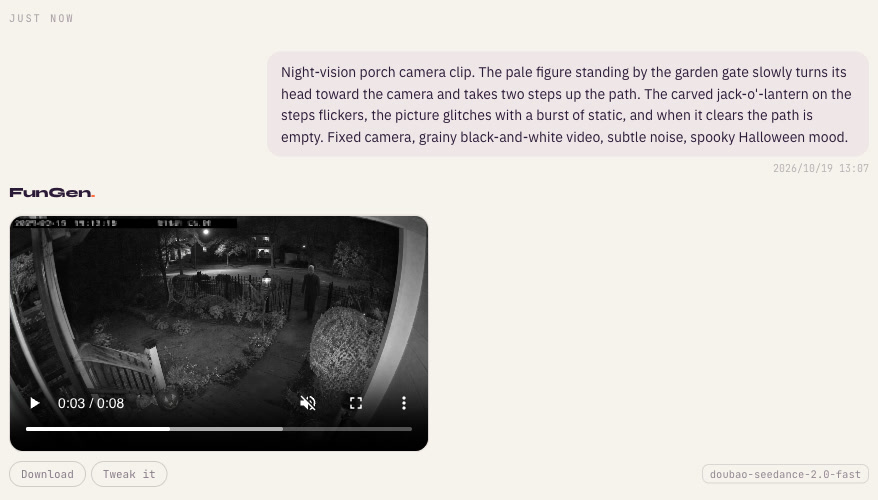
The clip we made for this guide: one generated still, one image-to-video pass, 8 seconds.
Why the “porch camera” format works
Security-camera and trail-cam style AI clips — a creature in the backyard, an animal at night — are a popular short-video format. Add Halloween and it gets even better:
- It looks found, not made. Grainy black-and-white footage with a timestamp bar reads as “real footage,” so viewers lean in.
- The scare is in the gap. Nothing jumps out. A figure turns its head, the picture glitches, and the path is empty. People rewatch to check what they saw.
- It’s cheap to make well. No costumes, no lighting, no actors — the low-fi look is the point.
- It loops. End on the empty porch and the replay starts with the figure “back” again.
What you need
- An image generator for the opening “camera still.”
- An image-to-video model to animate it.
- Credits: in our run, the 2K still cost 3 credits and the 8-second Seedance Fast clip about 168, so roughly 171 credits for the whole tutorial. The exact price is shown before you generate. Eligible new accounts get 100 free credits, plus up to 200 more for reaching creation milestones — check your account’s balance.
Step 1: Generate the camera still
In the FunGen Generator, pick Image, open the settings and choose 16:9 (security cams are landscape), 2K, and GPT Image 2. Then paste:
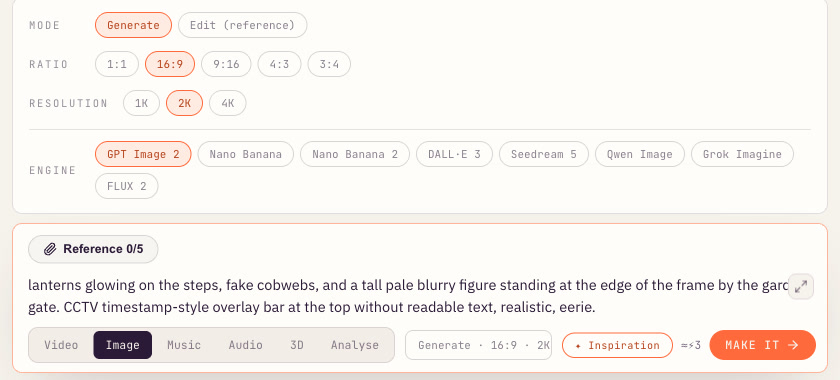
Grainy black-and-white night-vision security camera still of a suburban front porch on Halloween night: carved jack-o’-lanterns glowing on the steps, fake cobwebs, and a tall pale blurry figure standing at the edge of the frame by the garden gate. CCTV timestamp-style overlay bar at the top without readable text, realistic, eerie.
What makes the still work: a high, fixed, slightly fish-eyed angle like a real doorbell or porch camera; the figure small and far away at the edge of the frame; and the pumpkins in the foreground as the only bright things in the shot.
Step 2: Animate it
Switch to Video and set:
- Mode: Image to video (first frame)
- Duration: 8s
- Format: Landscape 16:9
- Engine: Seedance Fast
Attach the still as the reference and describe what happens — small, slow movements, then the disappearance:
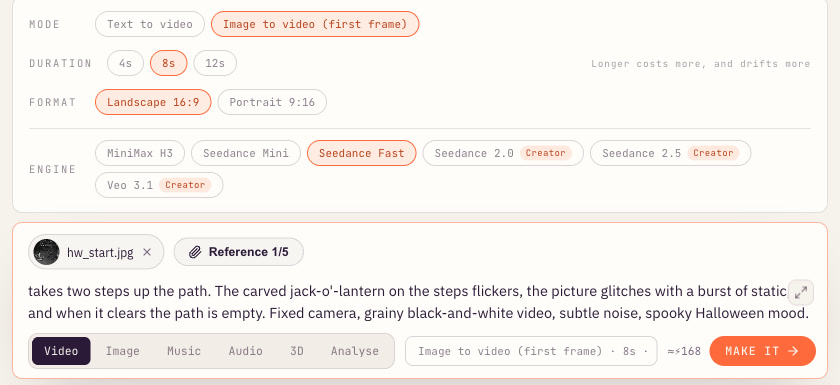
Night-vision porch camera clip. The pale figure standing by the garden gate slowly turns its head toward the camera and takes two steps up the path. The carved jack-o’-lantern on the steps flickers, the picture glitches with a burst of static, and when it clears the path is empty. Fixed camera, grainy black-and-white video, subtle noise, spooky Halloween mood.
In our test the clip took about three minutes. The figure turns, steps forward, the image breaks up, and the path is empty:
Why we did it in two steps
Our first two attempts were plain text-to-video — describe the whole scene and let the model generate everything. Both came back rejected by the video model’s content safety check, without a more specific reason. (Those two rejections didn’t use any credits.) We then generated the still and animated it, and that run went through. That isn’t a guarantee for any other request — but the two-step approach is worth using anyway, for control:
- You approve the look before you make the video. Our still took about 20 seconds and cost 3 credits; additional attempts cost extra. Re-roll it until the framing is right.
- The model keeps your composition. Image-to-video holds the camera angle, the pumpkins and the figure in place, so the motion prompt only has to describe what changes.
- Keep the motion small and simple. “Turns its head,” “takes two steps,” “the picture glitches” — subtle beats make this format scarier than anything graphic.
Halloween AI video prompt ideas
Swap these into step 1 (the still) and keep a gentle motion line for step 2:
- Backyard trail cam: “Infrared trail camera photo of a foggy backyard at night, a tall thin silhouette half-hidden behind the fence, timestamp bar.” Then animate: “the silhouette slowly leans out from behind the fence, then the frame skips and it is gone.”
- Hallway nanny-cam: “Grainy night-vision camera high in a dark hallway, a ball resting on the rug, a door at the end slightly open.” Then: “the door slowly creaks wider, the ball rolls a few inches on its own.”
- Pumpkin patch at dusk: “Wide photo of a pumpkin field at dusk, low fog, one scarecrow in the middle.” Then: “the scarecrow’s head slowly turns to face the camera as the fog drifts.”
- Cozy-spooky: “A carved jack-o’-lantern on a windowsill at night, rain on the glass.” Then: “the candle inside flickers and the carved face slowly changes into a grin.”
Posting tips
- Keep the “found footage” feel. Leave the clip raw: no captions over the picture, no music on top, just the camera hiss.
- Hook in the first second. Trim so the figure is already visible on frame one.
- Label it as AI. Turn on the AI-generated label on TikTok, Instagram or YouTube. The format works because it looks real, so be upfront about it — and check each platform’s own rules.
- Post before the 31st. Halloween interest builds through late October and fades quickly once the holiday is over.
More to make this month
The same “still first, then animate” approach works for almost any short-form AI trend. Try the viral AI flying Tesla Roadster video, browse more AI video ideas, or turn your clips into a channel with faceless videos made with AI.
Ready? Open the FunGen Generator, generate your porch still, then animate it with the prompts above.