More Styles
Multi-Person Interview
AI Interview Video Generator
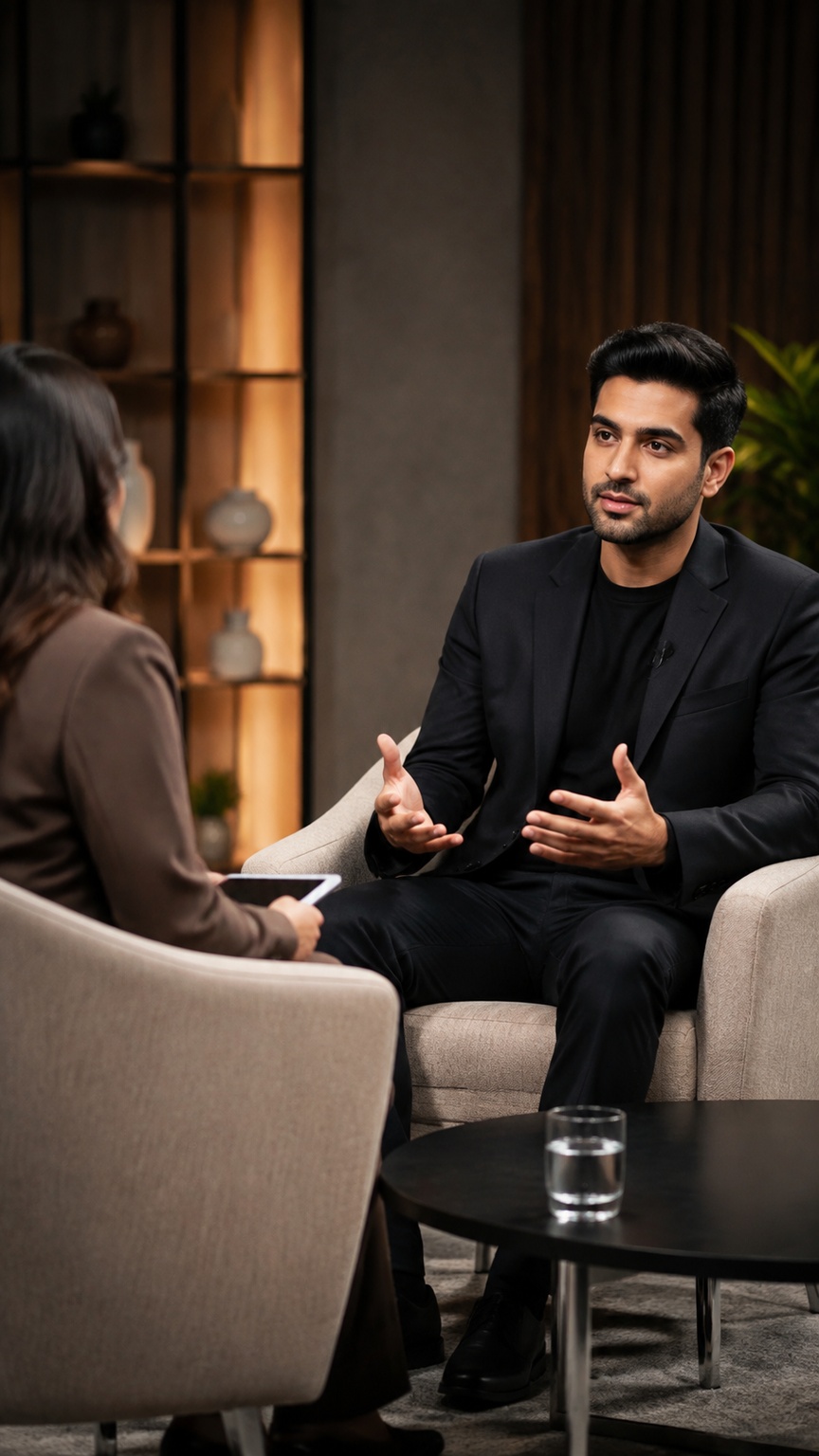
A preset for interview and conversation videos with multiple speakers, built around shot-by-shot control instead of one long auto-generated edit. Its signature look is a structured talk format with alternating two-shots, over-the-shoulder angles, speaker close-ups, synced dialogue shots, and clean reaction cutaways.
Best for
- panel interviews
- host-and-guest conversations
- documentary-style Q&A
- podcast video edits
- roundtable discussions
Not for
- action-heavy scenes
- music-video performance
- single-shot monologues
Visual signatures
alternating two-shots, OTS angles, and speaker singlesclose framing for clear face-driven dialogueconsistent character and scene continuity across cutsreaction shots and silent cutaways between speaking turnsrestrained cinematic grading with controlled, dialogue-focused composition
How it works
- 01Set the video spec: format, length, language, and visual style
- 02Review a storyboard with speakers, dialogue lines, shots, and audio layers
- 03Approve character, prop, and scene visuals for continuity
- 04Check keyframes and generated dialogue/reaction shots
- 05Review assembled video with voice, narration, music, and final pacing