More Styles
Action Previs Storyboard Video
Storyboard to Video AI
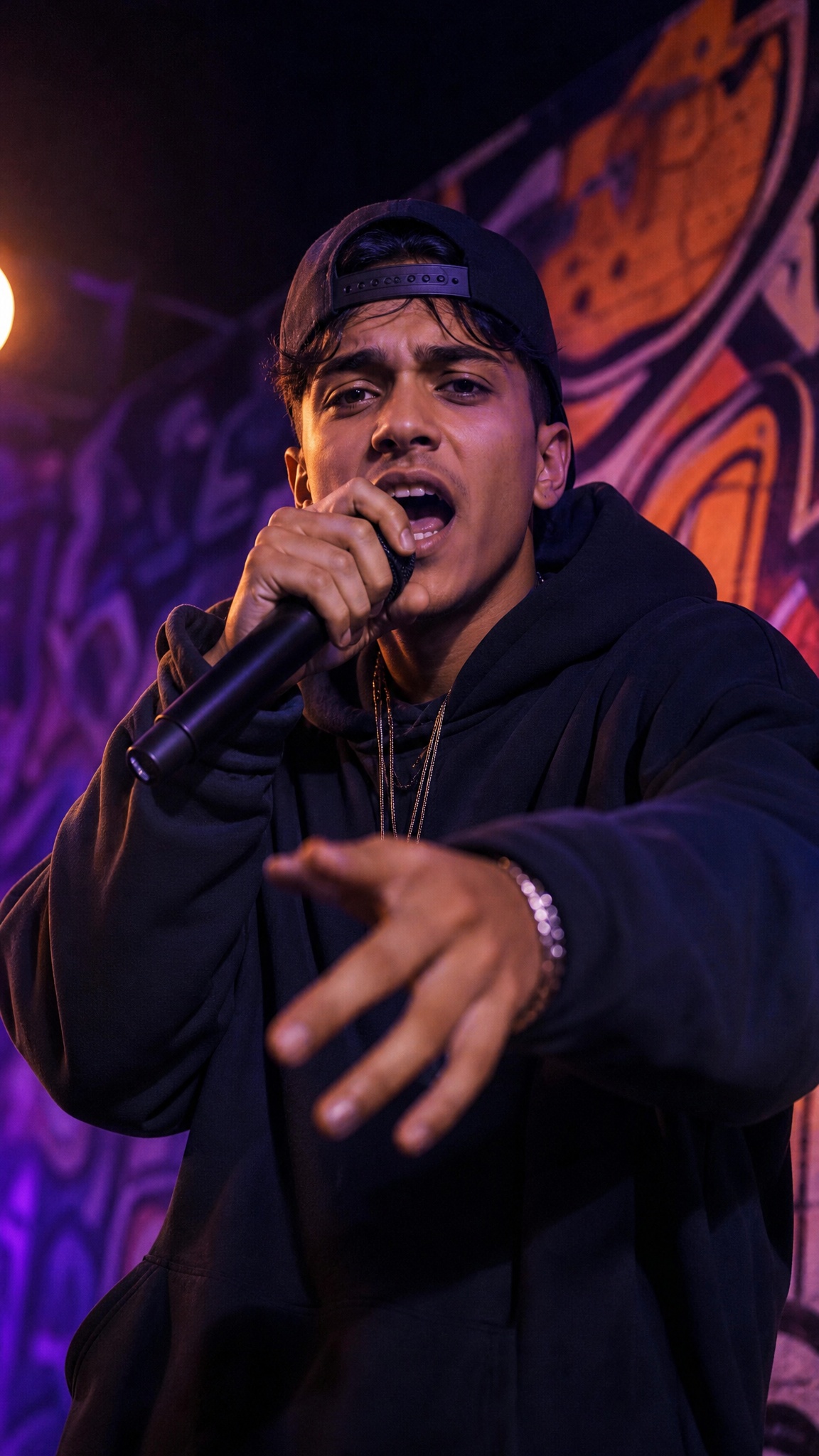
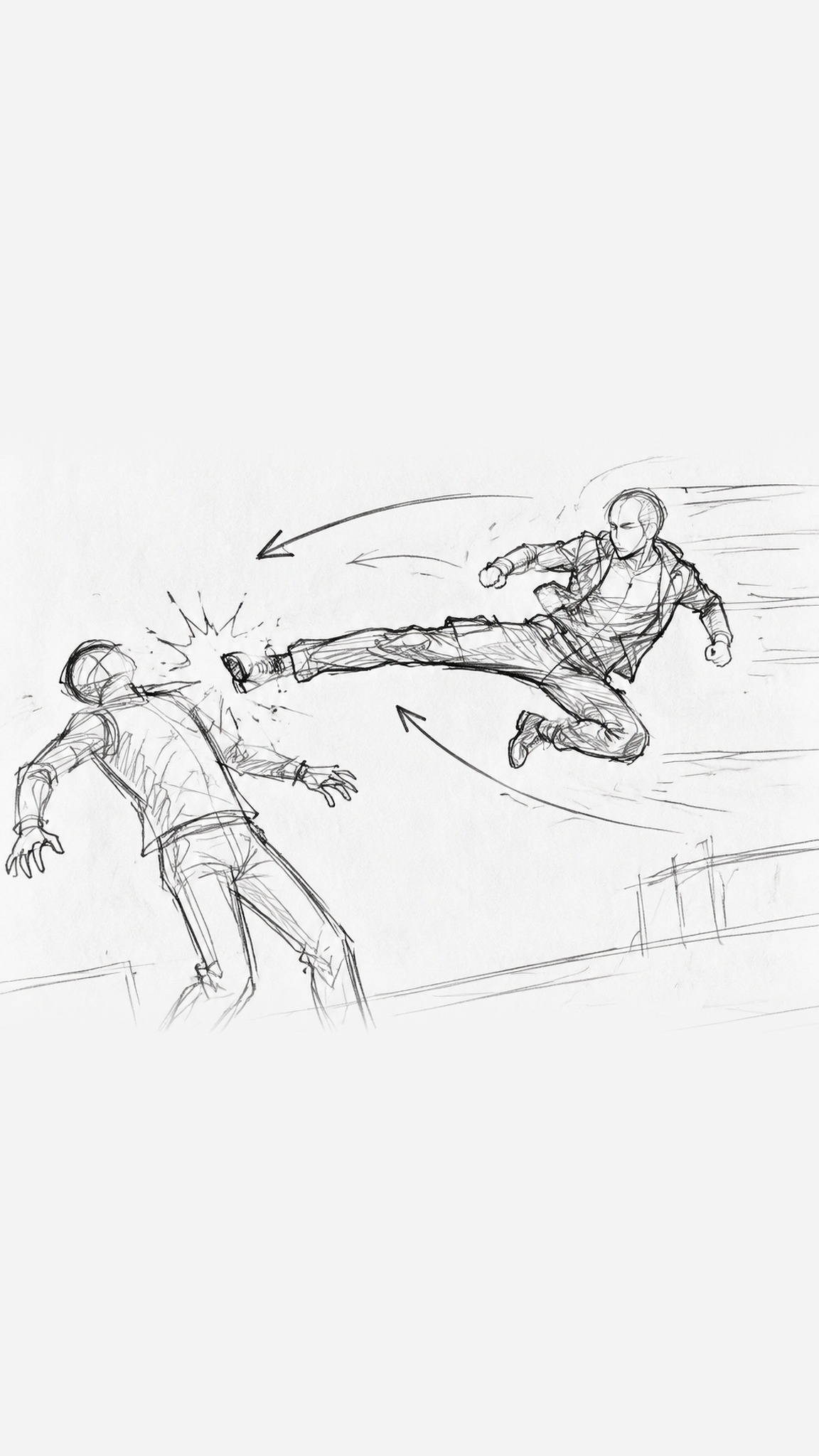
Turns action ideas into previs: first a stick-figure storyboard with motion arrows and impact marks, then a video for each board, joined into one sequence. You can start from a written action idea, or upload storyboard images you already have. Before any video is generated, the agent asks you to upload character turnaround sheets, which help keep the fighters looking the same across boards. It pauses for your review after each storyboard board and each video clip. Action beats, character look and shot-to-shot continuity are what it aims for, but it doesn't guarantee a frame-exact match to your boards or seamless joins. The cover image is an AI-generated style illustration, not a frame from a finished video.
Best for
- fight scene and stunt previs
- turning storyboard sketches into moving shots
- testing action choreography before a shoot
- short action sequences for pitches
- animatics for game or film concepts
Not for
- one-click video from a single storyboard image
- dialogue-heavy scenes
- polished final-quality footage
Visual signatures
stick-figure previs boards with motion arrows and speed linesturnaround references to help keep characters consistent (results can vary)clear action beats: wind-up, impact, follow-through16:9 by defaultboards rendered in order and joined into one sequence
How it works
- 01Choose: start from an action idea, or upload your storyboard
- 02Upload character turnaround sheets for each fighter
- 03Review each storyboard board
- 04Generate a video for each board and review it
- 05Assemble the boards into one sequence