More Styles
Multi-Panel Video Generator
Split Screen Video Maker
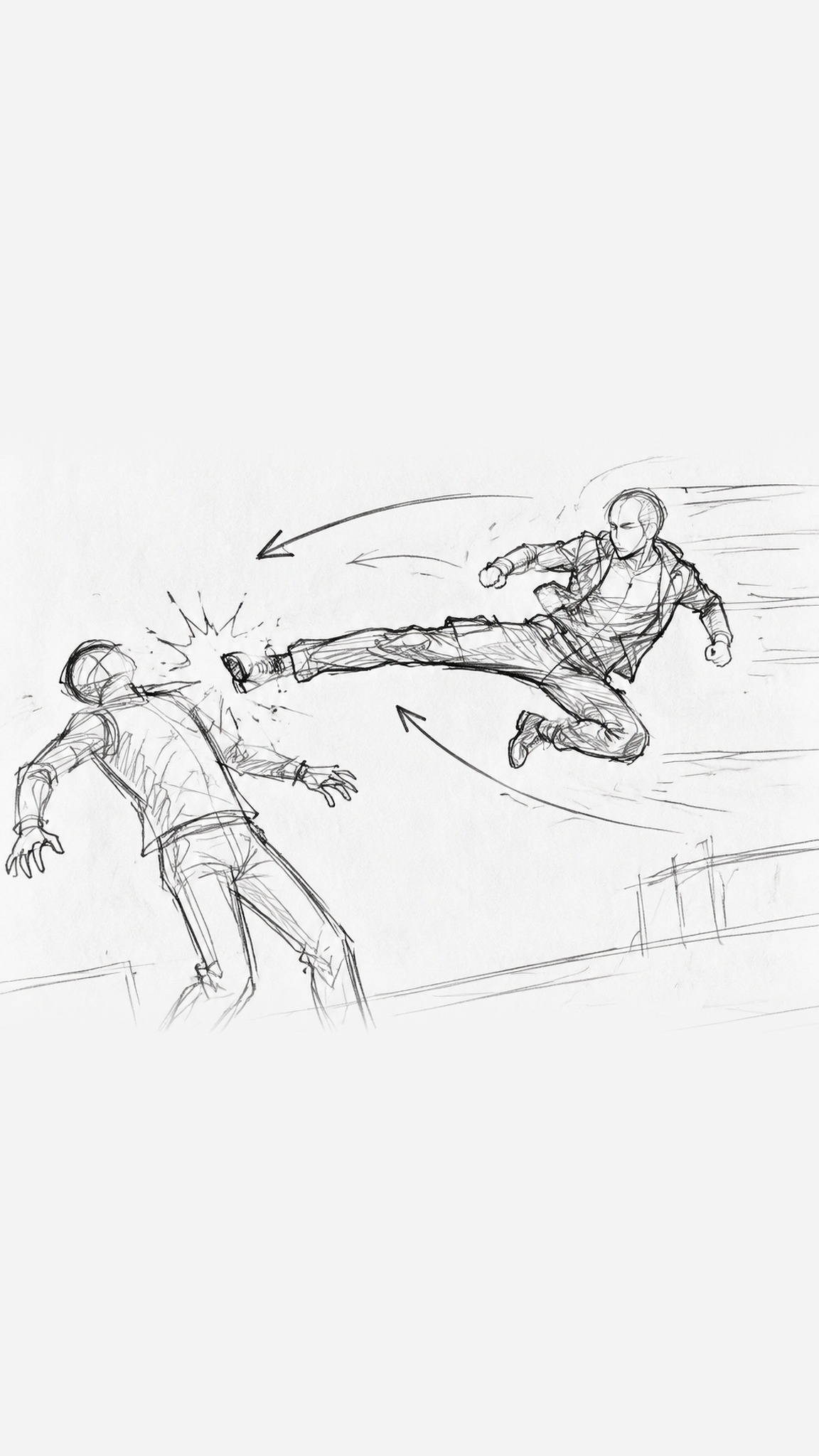
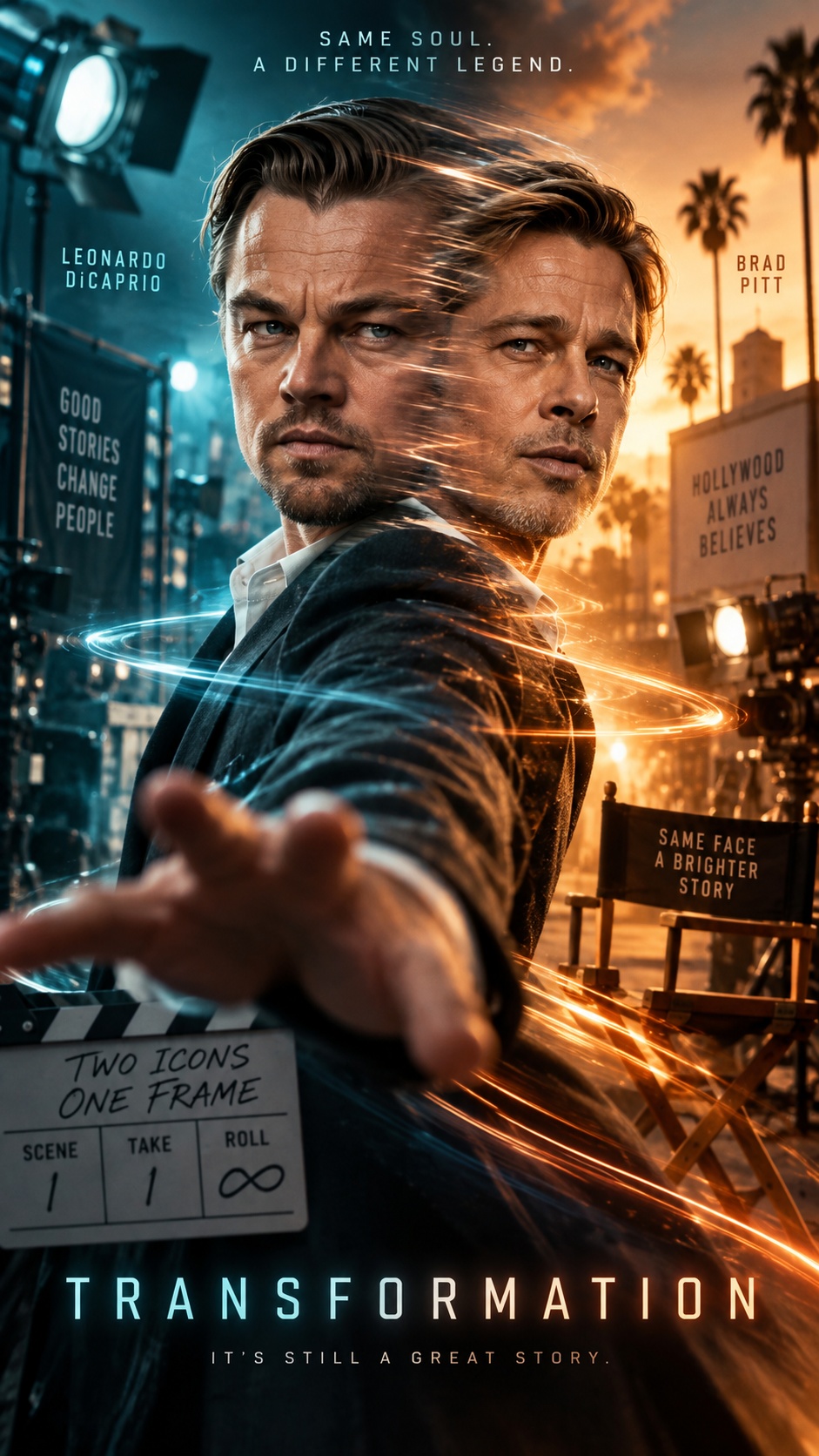
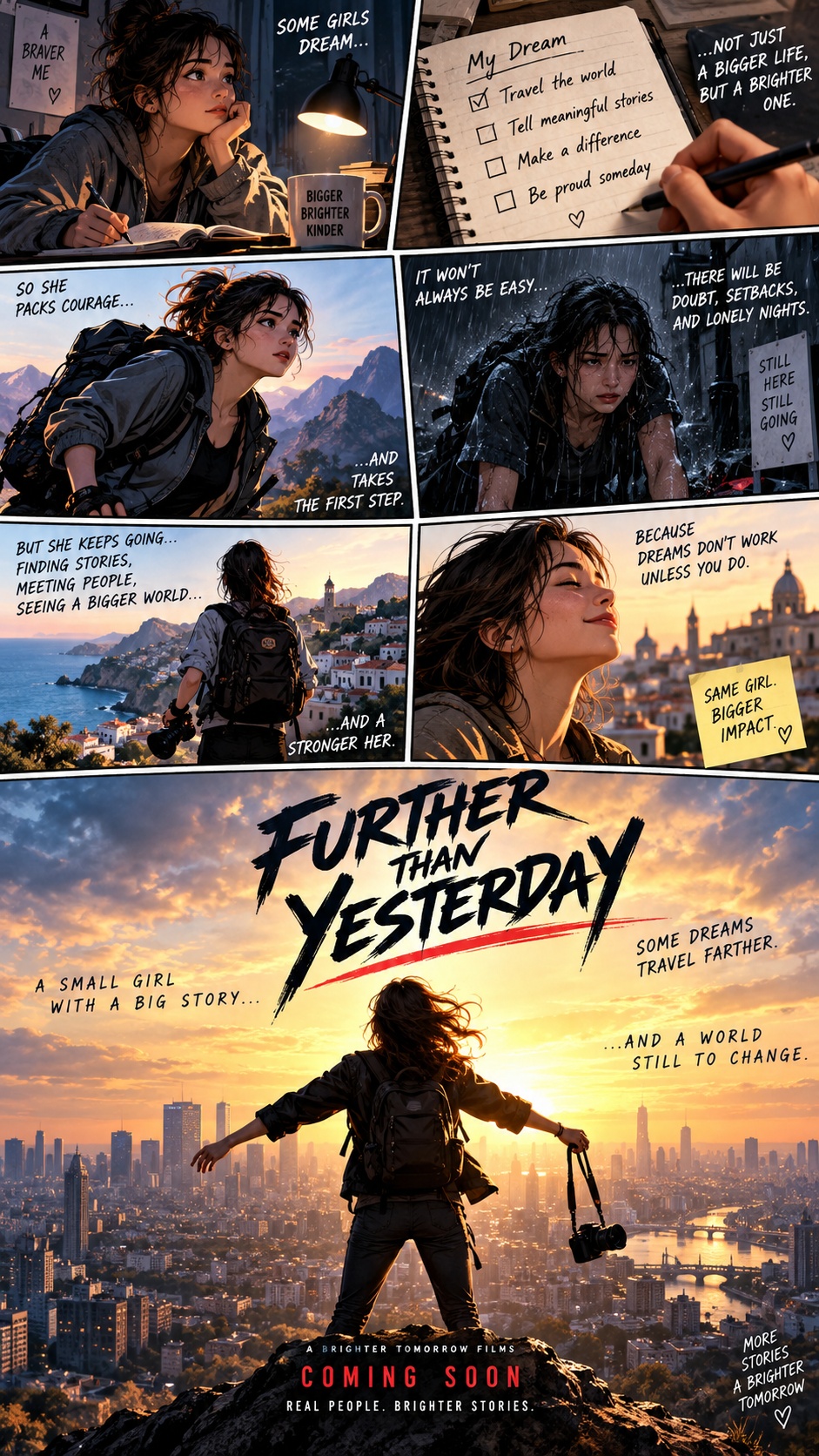
Creates story-led videos by turning each shot into a numbered multi-panel reference sheet, then animating that sheet into a finished scene. Its signature look is a contact-sheet storyboard aesthetic at the planning stage, followed by live-action-style motion that follows the printed cut numbers rather than the panel layout.
Best for
- narrative shorts
- dialogue scenes
- concept trailers
- structured visual storytelling
- multi-beat cinematic shots
Not for
- abstract motion pieces
- fast meme edits
- single-image ambient loops
Visual signatures
numbered multi-panel grid frames with thin neutral dividerseach panel composed in the final video aspect ratioconsistent character, costume, and scene continuity across panelsrestrained color grading with realistic lighting and texturelive-action cinematic framing with visible beat-by-beat key moments
How it works
- 01Set the title, format, duration, aspect ratio, style, and language
- 02Build a storyboard with key elements, shots, beats, and audio layers
- 03Upload references or generate character, prop, and scene visuals
- 04Review numbered multi-panel sheets for each shot and confirm revisions
- 05Generate shot videos and audio, then assemble the final edit