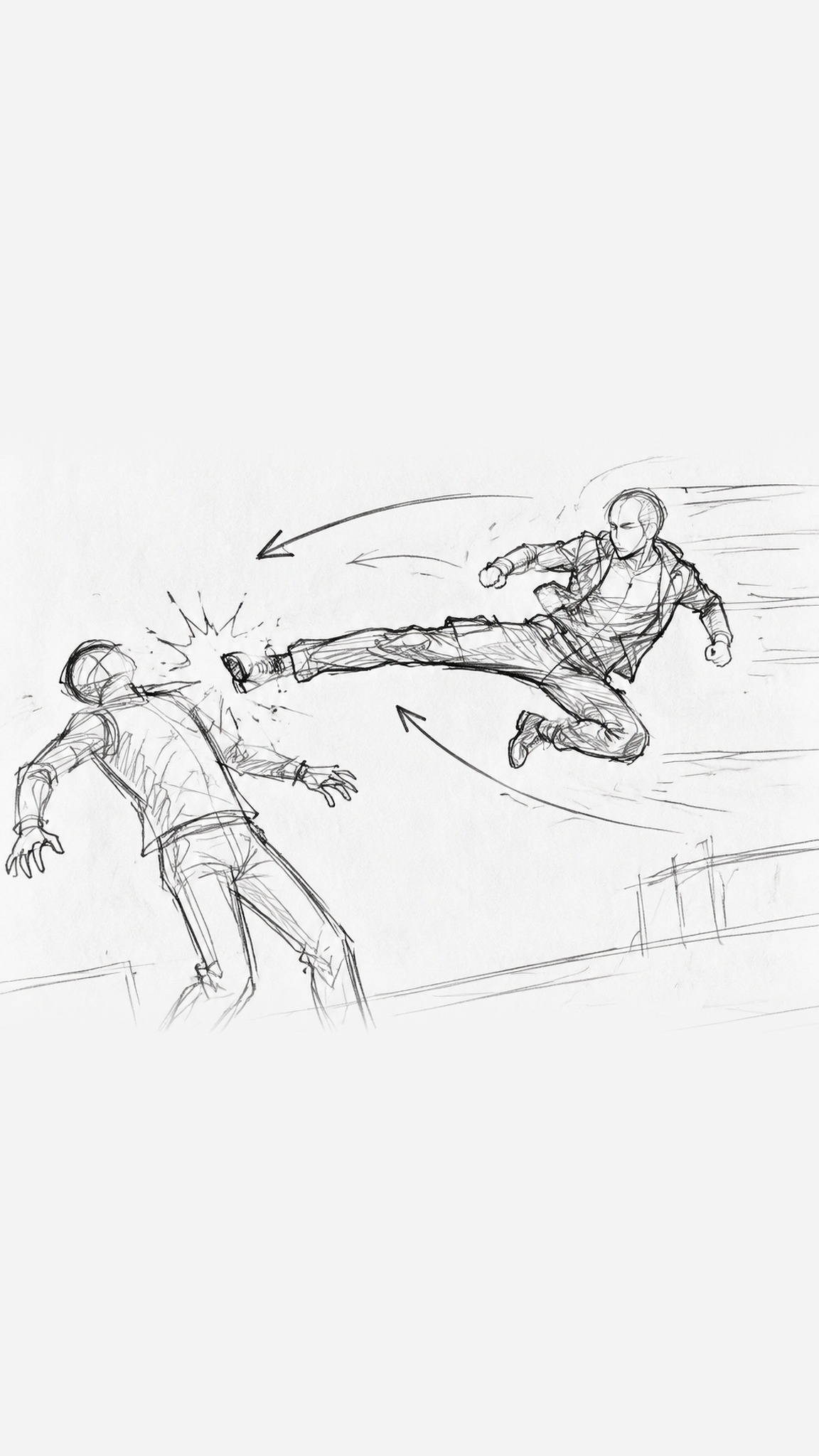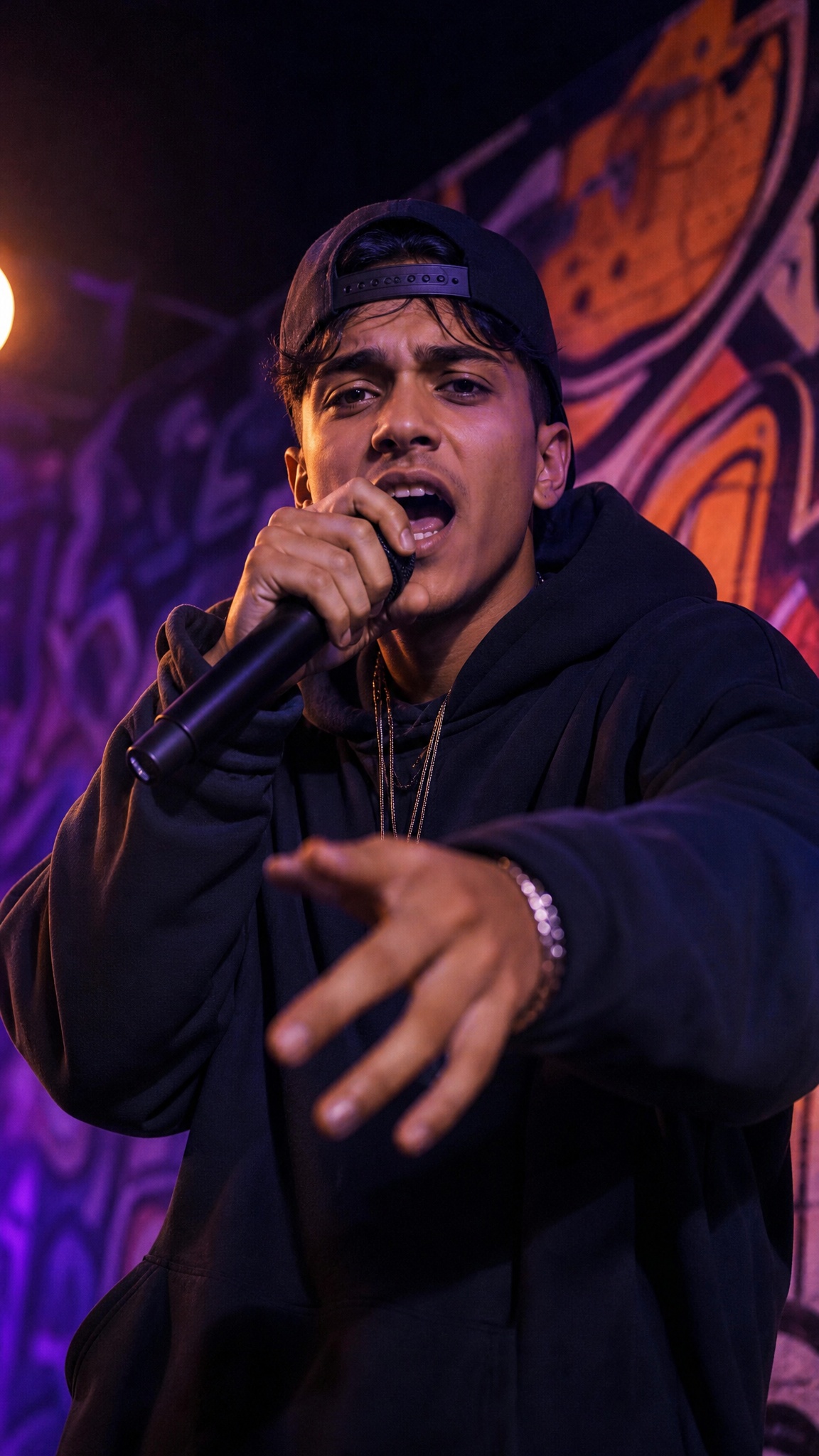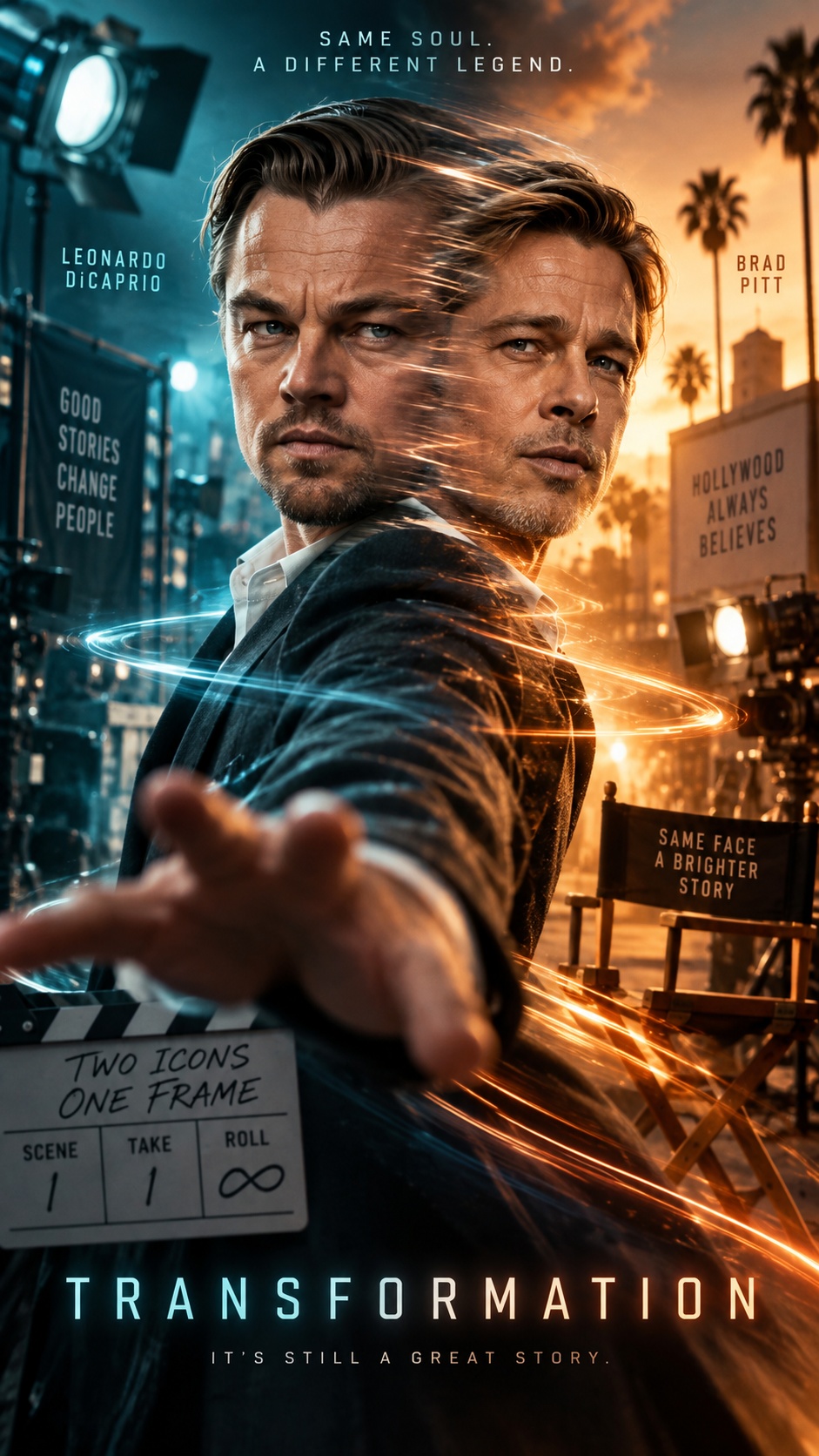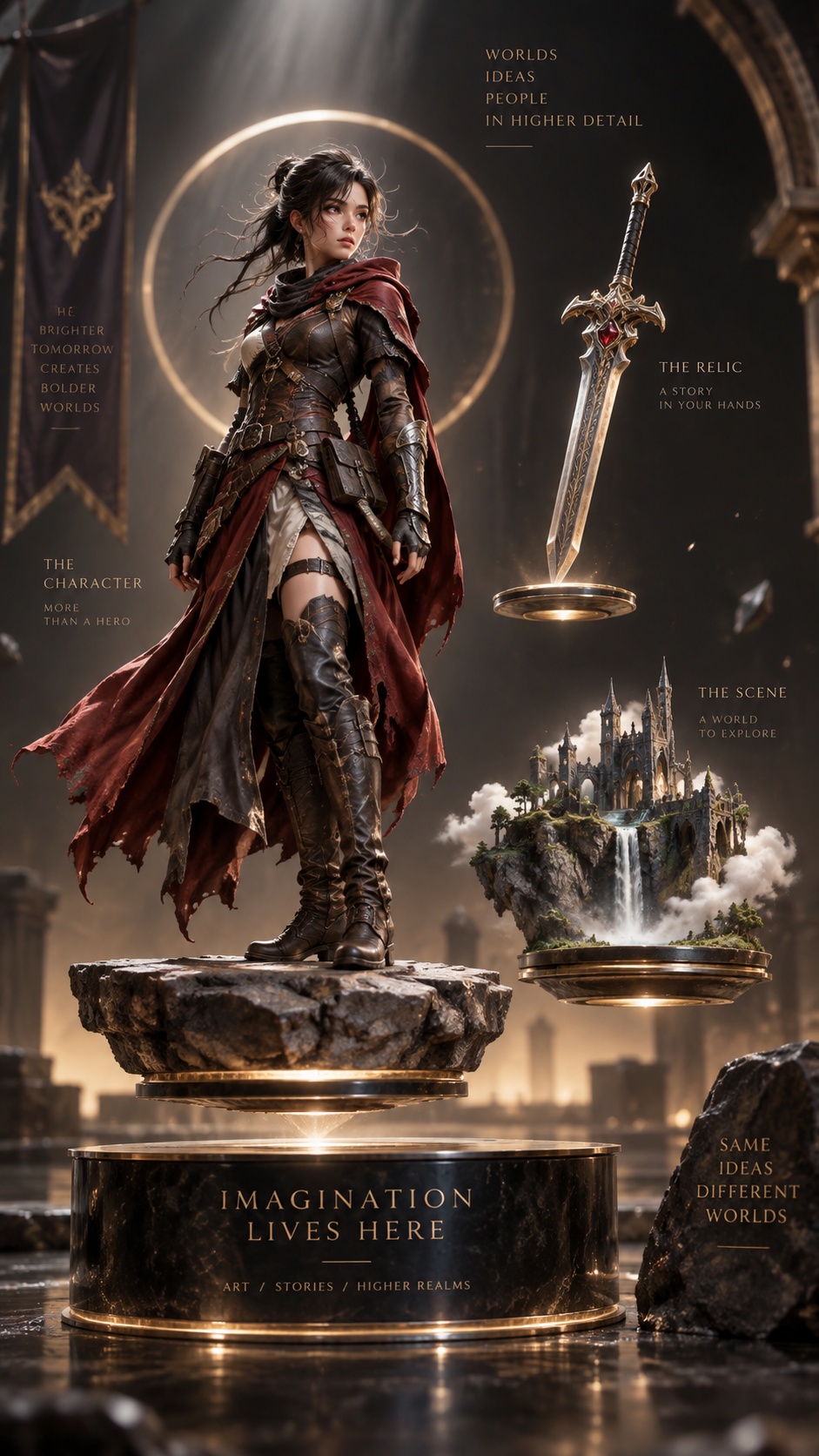
More Styles
Independent Asset Generation (Video Supported)
This workflow builds a finished short video around assets created first—images, clips, audio, or voice samples—instead of replacing them with a new plan. It turns those existing pieces into a storyboarded sequence, adds only the missing bridge shots or audio, and pauses at key checkpoints so you can confirm what stays in the cut.
Best for
- turning standalone assets into a coherent short film
- product or character visuals that must stay in the final edit
- mixed-media projects with images, video clips, and audio
- B-roll-led storytelling with connective scenes
- iterative projects that need approval before assembly
Not for
- from-scratch concepting with no fixed assets
- fast one-click videos with no review stage
- heavily asset-replacing reimaginations
Visual signatures
story built around pre-existing hero shots and clipslonger cinematic shots with internal cuts rather than rapid montageexplicit reuse of the same character, prop, and scene elements across shotsbridge shots added only where continuity or story flow needs themclean audio layering with separate narration and background music
How it works
- 01Generate or upload the standalone images, clips, and audio first
- 02Review an asset inventory and the video spec built around those assets
- 03Approve a storyboard that assigns every asset to a shot, element, or audio layer
- 04Create only the missing bridge visuals or audio if gaps are found
- 05Review the final assembly before export