More Styles
Epic One-Take Camera Move
One-Take AI Video Generator
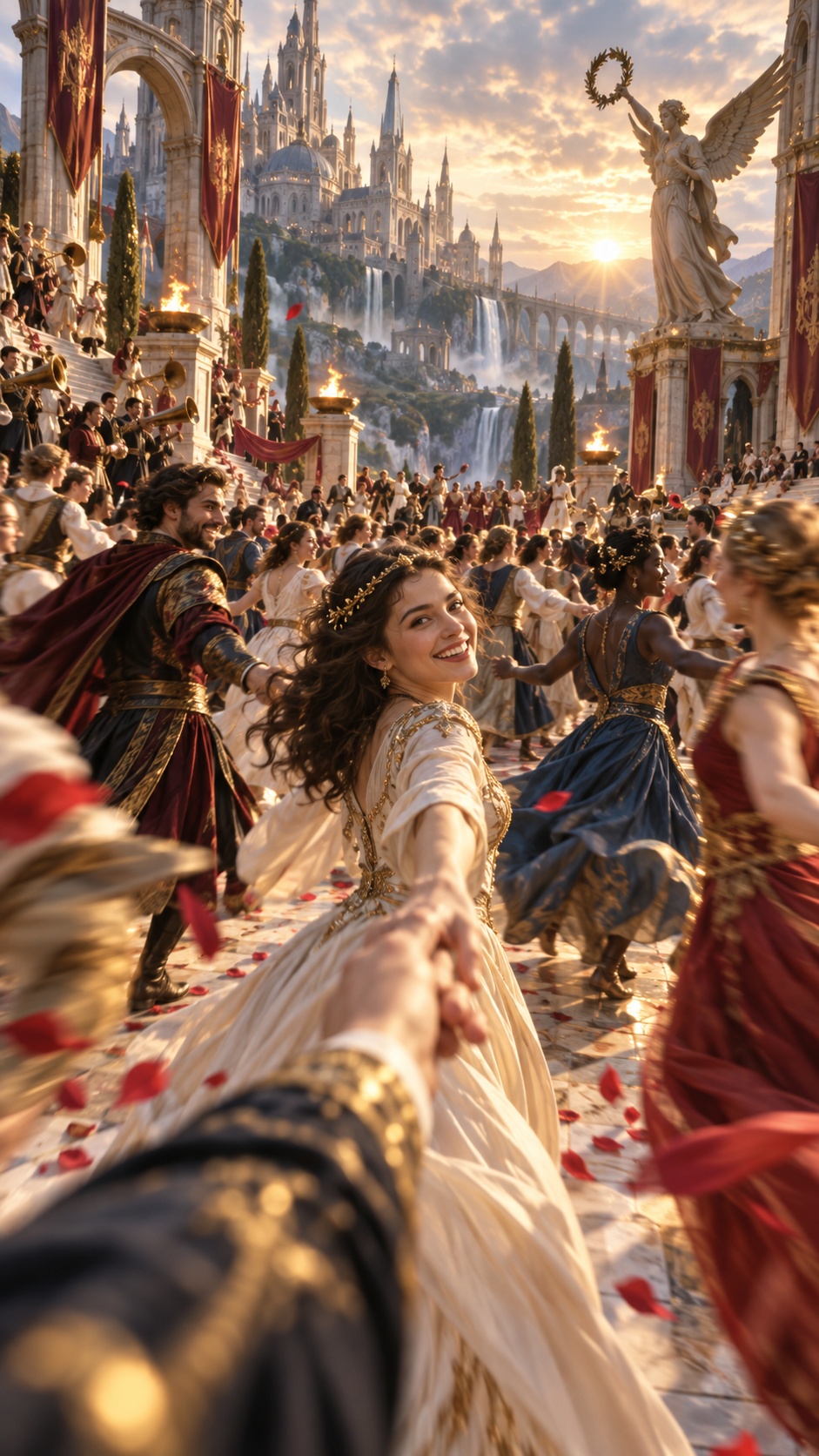
Creates a single-shot moving-camera video for scenes with multiple characters in one shared space. The look starts from a wide, fully staged master frame, then follows a smooth preplanned route through the room, either beginning naturally from the existing view or tracking the main subject from a third-person follow angle.
Best for
- ensemble character scenes
- living-room or interior tableaux
- group fashion/editorial setups
- cinematic walkthroughs
- multi-subject introductions
Not for
- fast-cut montage edits
- abstract nonspatial animation
- scenes without a clear walkable layout
Visual signatures
wide panoramic group compositionclear foreground-midground-background depthwalkable gaps between furniture and characterssmooth continuous camera path across all subjectsphotoreal interior lighting and realistic spatial perspective
How it works
- 01Set the scene style, aspect ratio, pacing, and cast
- 02Create character references and an empty scene layout
- 03Place all characters in one wide master composition
- 04Approve a single continuous camera route through the frame
- 05Generate the final one-take video from the staged frame and path plan