












How to Make AI Videos for YouTube (2026): A Step-by-Step Guide
Short answer: making an AI video for YouTube comes down to five steps — pick a format that fits the platform, write a tight script, generate the visuals and voiceover, assemble and caption the edit, then upload with a title and thumbnail built for click-through. The AI handles production; the parts that decide whether it gets watched are still yours. Here’s the full workflow.
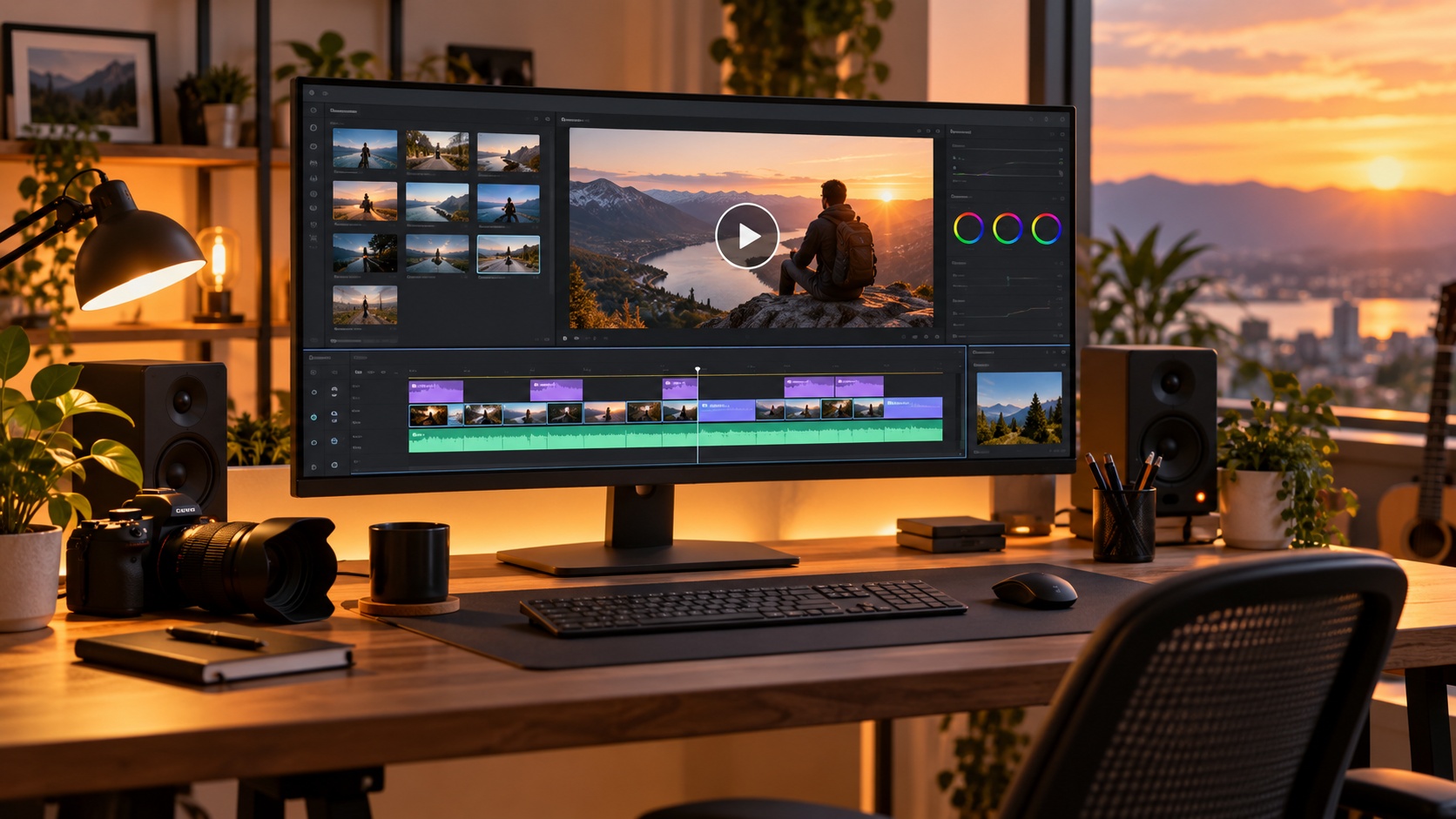
Step 1: Pick a format that matches YouTube
Not every AI video works on YouTube. The platform rewards two very different things, and you should pick one deliberately:
- Shorts (vertical, under 60 seconds) — fast reach, great for testing ideas and building subscribers quickly. Best for hooks, loops, and single-idea clips.
- Long-form (horizontal, 5–15+ minutes) — slower to grow but far better ad revenue and deeper audience loyalty. Best for explainers, stories, and compilations.
A common mistake is making a vertical clip and dumping it into a long-form slot, or vice versa. Decide the format first, because it changes the script, the pacing, and the visuals. If you’re new, Shorts get you reps and feedback fastest; long-form is where the money and durability are.
Step 2: Write the script around a hook
YouTube lives and dies on the first few seconds. Whatever your format, the opening line has to promise something the viewer wants to see resolved. Write that first, then fill in the rest.
For AI video specifically, write your script in short, visual beats — one idea per line — because that’s how the generator turns text into shots. If you don’t have a script yet, our free AI script writer guide walks through getting a usable draft in minutes.
Step 3: Generate the visuals and voiceover
This is the step AI collapses from days to minutes. You describe each scene and the tool produces the footage; you add a voiceover — either AI narration or your own voice. Match the visual style to your niche and keep it consistent across videos so your channel becomes recognizable.
Three formats reliably perform on YouTube:
| Format | Why it works on YouTube | Start with |
|---|---|---|
| Cozy / lifestyle vlog | High watch time, relaxing, bingeable | AI Vlog Generator |
| Narrative short / story | Strong retention, shareable | AI Short Film Generator |
| Anime / stylized | Passionate niche, high subscribe rate | AI Anime Generator |

Step 4: Assemble, caption, and pace the edit
A finished YouTube video is more than raw clips. Tighten the pacing — cut anything that sags — and add on-screen captions. A large share of viewers watch without sound, especially on Shorts, so captions directly affect retention. Keep cuts frequent enough to hold attention but not so fast that the content is unreadable.
Step 5: Upload with a title and thumbnail built for clicks
The best video in the world gets no views with a weak title and thumbnail, because those are all the algorithm has to decide whether to show it. Write a title that states the payoff. Make a thumbnail that’s readable at tiny sizes — one clear subject, high contrast, minimal text. This is the highest-leverage twenty minutes in the whole process; don’t rush it.
AI videos for YouTube Shorts specifically
Shorts are the fastest way to grow a new channel with AI. The rules shift slightly:
- Vertical, 9:16, under 60 seconds.
- Hook in the first second — no slow intros.
- Loop-friendly — an ending that flows back into the start boosts replays.
- One idea per Short — save the depth for long-form.
- Post daily — Shorts reward volume more than any other format.
The same source video style works across both; you’re just cutting it to length and aspect ratio.
Making AI videos for a YouTube channel (not just one-offs)
A single video is a lottery ticket. A channel is a business. The difference is a repeatable format: same niche, same visual identity, same posting rhythm, so returning viewers know what they’re getting and the algorithm learns who to show you to. Pick one format from the table above, commit to a schedule you can actually sustain, and let consistency compound.
If your goal is revenue, pair this with our guide on how to make money with AI videos — it covers how YouTube ad revenue fits alongside faster-paying paths.
Common mistakes
- No hook. The first line is the whole game. Rewrite it until it promises something.
- Inconsistent style. A channel that looks different every video never builds a recognizable identity.
- Ignoring the thumbnail. It’s not an afterthought — it’s half the click decision.
- Format mismatch. Shorts content stretched to long-form (or the reverse) underperforms both.
Browse the full AI video skills library to find the format that fits your channel, and start with one you can post consistently.