












Convert Text to Speech Online: The Free & Fast Ways in 2026
The short version: to convert text to speech online, you paste your text into a web tool, pick a voice, and download the spoken audio — no software to install, no microphone. Plenty of tools do this free. The catch is in the details: how natural the voice sounds, how much text you can convert at once, and whether you’re allowed to use the audio commercially. This guide covers how it works, what to check, and the best approach if the audio is for a video.
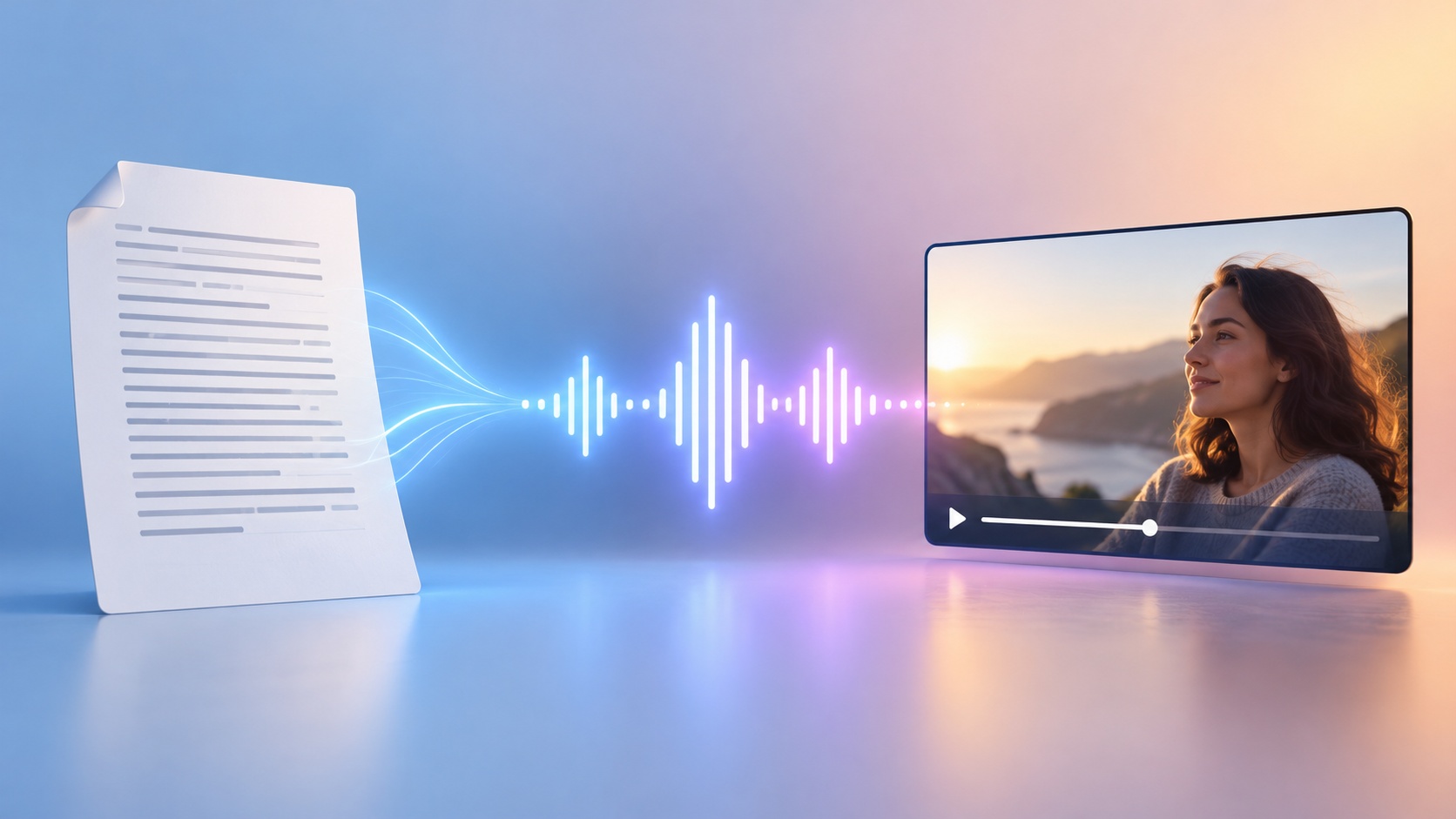
How converting text to speech online works
Every online text-to-speech (TTS) tool follows the same three steps:
- Paste your text. A sentence, a script, or a whole article.
- Pick a voice and language. Most tools offer a range of voices, accents, and languages; some let you adjust speed and pitch.
- Generate and download. The tool returns an audio file — usually MP3 or WAV — that you can play, download, or drop into a video.
The whole thing runs in the browser, so it works on any device. What separates a good tool from a frustrating one is the quality of that output and the limits around it.
What to check before you trust an online TTS tool
“Free” and “online” come with fine print. Check these before you build a workflow around any tool:
- How natural the voice sounds. The gap between a flat robotic read and a warm human-like voice is huge. Always listen to a sample in the actual voice you’ll use before committing.
- The character or word limit. Many free tiers cap you — a few thousand characters per go, or a daily limit. Fine for a caption, a problem for a full script.
- Download and format. Confirm you can actually download the file (not just stream it) and in a format you can use (MP3 is safest).
- Commercial rights. This is the one people miss. Some free TTS voices are for personal use only. If the audio goes into a monetized video or a client’s project, confirm the voice is licensed for commercial use.
- Watermarks or audio tags. A few free tools insert an audible “made with…” tag. Listen all the way to the end of your sample.
A tool that’s genuinely usable gives you natural audio, a workable length limit, a clean download, and commercial rights — not just a “free” label.
Free vs paid: what actually differs
| Free tiers | Paid | |
|---|---|---|
| Voice quality | Decent, often a limited set | The most natural, expressive voices |
| Length | Capped (characters/day) | Long scripts, higher or no caps |
| Commercial use | Sometimes personal-only | Usually included |
| Extras | Basic | Voice cloning, custom voices, batch |
For a one-off caption or a quick test, free is perfect. For anything you publish regularly — a channel, client work, a product — the paid tier usually pays for itself in quality and rights.
Converting text to speech for video
If the whole point is to narrate a video, converting text to speech in a standalone reader and then re-importing the file is extra steps. It’s cleaner to generate the voice where you build the video, so the narration lands on the timeline and stays in sync.
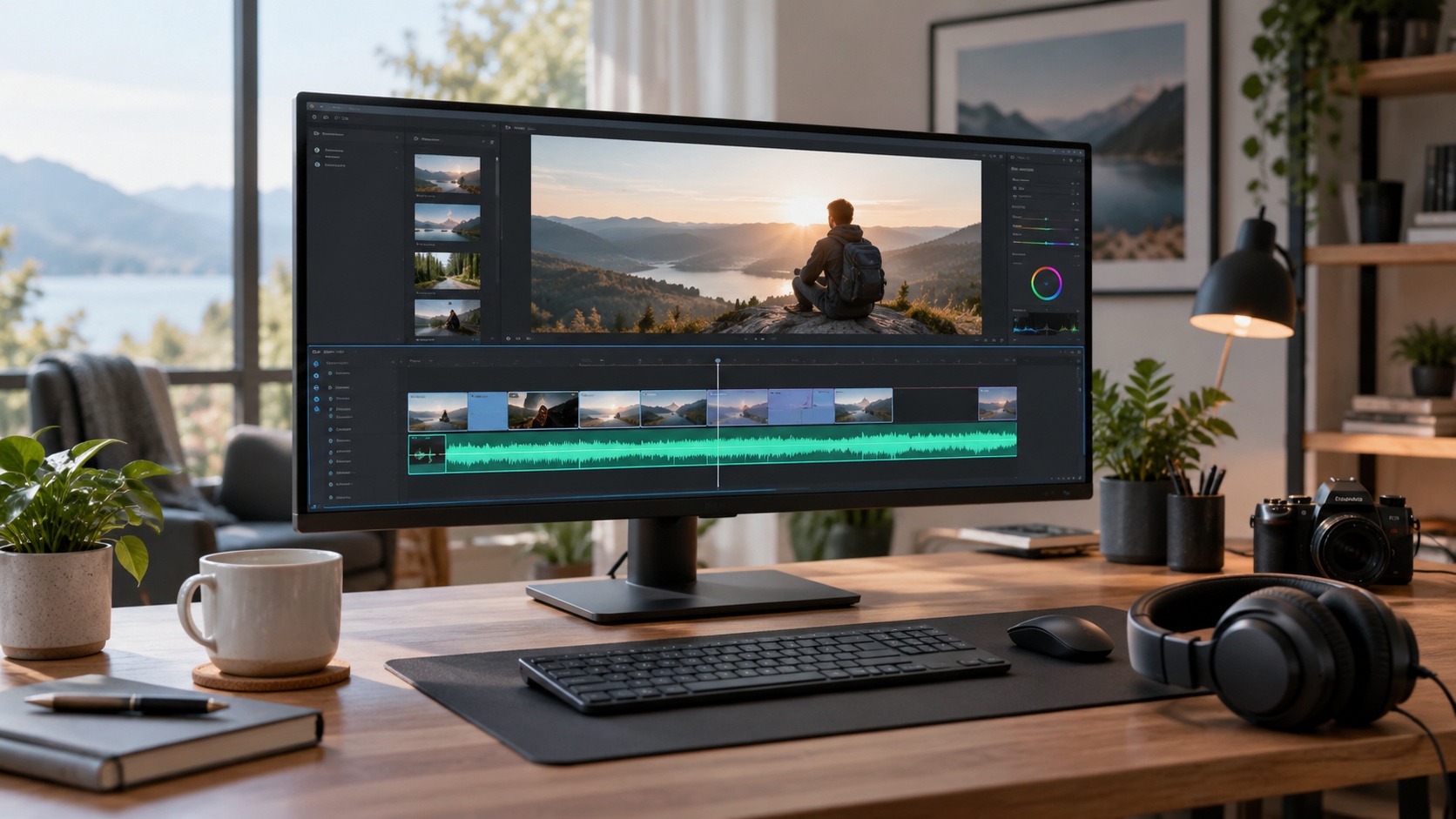
That’s the angle FunGen is built for: describe or paste your script, pick or design a voice, and the narration is generated right alongside the video — then reused across every clip so a whole series sounds consistent. The AI Podcast & Voice Generator covers voice design and cloning, and the AI Story Video Generator with Voiceover bakes a narrator straight into the video.
Tips for cleaner text-to-speech output
- Write for the ear. Short sentences and contractions read more naturally than formal prose.
- Punctuate for pauses. Commas and periods become breaths — use them to control rhythm.
- Pace it right. Clear narration lands around 150 words a minute (~2.5 words per second); write to the length of your scene.
- Spell out the tricky bits. Acronyms and unusual names sometimes read wrong — spell them phonetically if the voice stumbles.
The bottom line
Converting text to speech online is fast, free to start, and good enough to publish. Pick a tool by the voice quality, the length limit, and — if you’re monetizing — the commercial rights. And if the audio is for a video, generating it where you build the video beats juggling separate tools.
Ready to narrate without recording? Start from the AI video skills library, paste your script, and pick a voice.