












AI Explainer Videos: How to Make One from a Script (2026 Guide)
Short answer: to make an AI explainer video, write a short script that explains one idea, then let an AI video tool turn each part of the script into a scene with visuals, voiceover and captions. In FunGen, the fastest route is the Faceless Reels Generator (type a topic, get a 30- or 60-second vertical video). For longer, animated explainers, use the Stick Figure Explainer or Collage Animation skills.
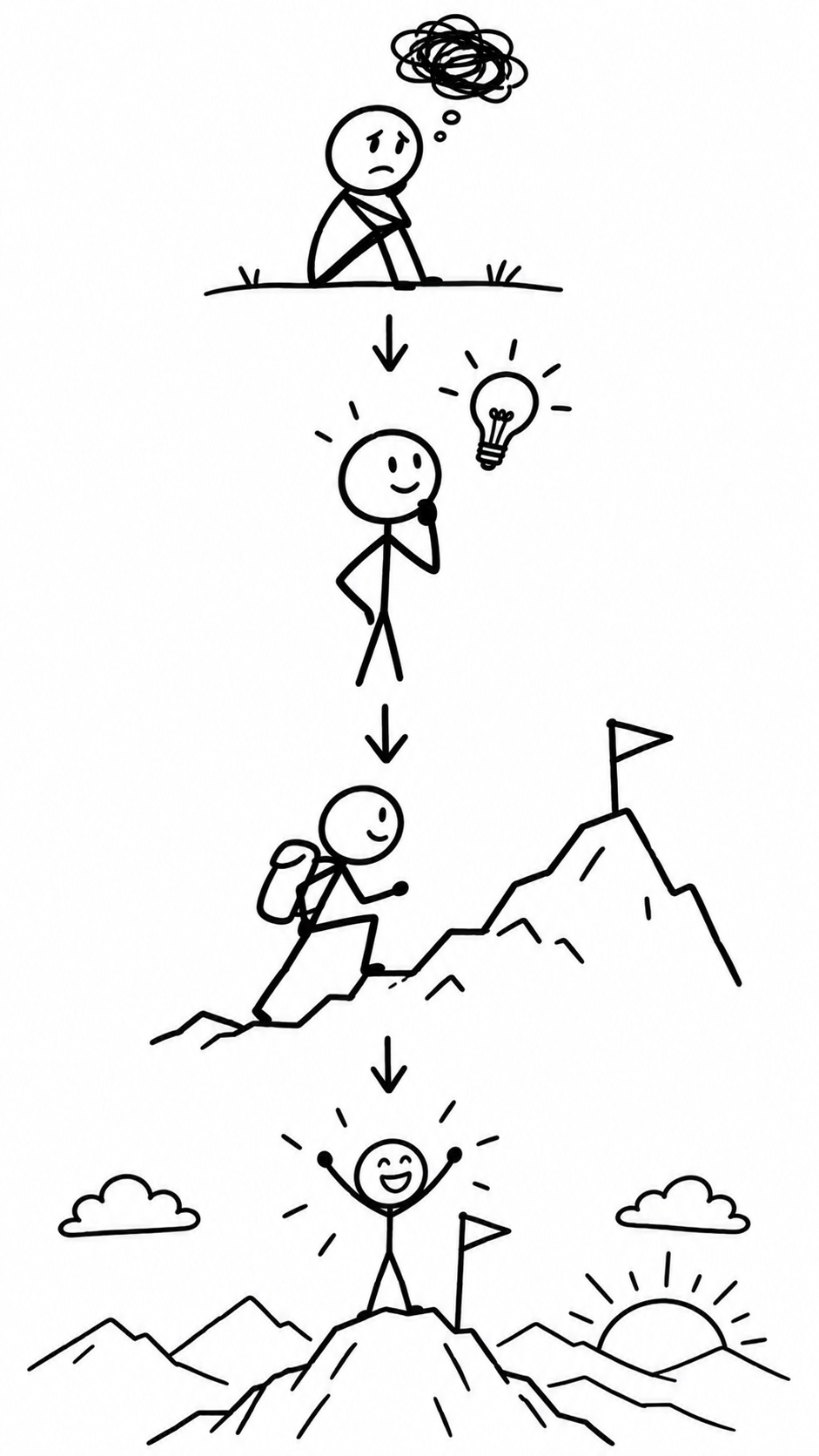
Cover image is the skill’s style illustration, not a frame from a video made in this guide.
An explainer video does one job: it makes a single idea easy to understand. What a product does, how a process works, why something happens. AI now handles most of the production work (visuals, voice, timing and captions), so the part that decides whether your video is good is the script and the format you pick.
Pick the format first
| Format | Best for | Length | In FunGen |
|---|---|---|---|
| Vertical faceless reel | Quick facts, tips, “how X works” for TikTok, Reels, Shorts | 30–60 s | Faceless Reels Generator |
| Stick-figure animation | Concepts, lessons, stories with a “problem → insight” arc | 1–5 min | Stick Figure Explainer |
| Collage animation | Turning an existing transcript, talk or podcast into visual metaphors | Short clips per idea | Collage Animation |
| Presenter on camera | Product walk-throughs, onboarding, course intros | 15–60 s | AI Lip Sync with a presenter photo |
If you’re not sure, start with the reel. It’s a quick, low-cost way to test whether the explanation itself works.
Step 1: Write a script that explains one thing
Most bad explainers try to cover everything. A good one has one idea and this shape:
- The question or problem the viewer already has. “Why does your phone battery die faster in the cold?”
- The simple answer in one sentence.
- The why, in two or three steps, each one visual.
- The takeaway: what to do or remember.
Rules that help AI turn it into scenes:
- One sentence, one scene. Each sentence should describe something you could draw.
- Concrete over abstract. “The battery’s chemistry slows down, like honey in a fridge” gives the AI a picture; “performance degrades under thermal stress” doesn’t.
- Speak, don’t write. Short sentences, everyday words. About 150 words per minute of voiceover.
No script yet? Give the FunGen agent the topic and audience and ask for a 60-second explainer script with one image idea per line. See also our free AI script writer guide.
Step 2: Make it, the quick way (60 seconds or less)
In the Faceless Reels Generator:
- Type the topic or a one-line idea, for example “why phone batteries die faster in the cold.”
- Choose 30 or 60 seconds, a visual style and a voice.
- Generate. FunGen writes its own script from your topic (it doesn’t read out a script you paste in), creates one image per scene, records the voiceover and adds word-by-word captions and music. You get a 1080×1920 MP4 with no watermark.
If you want your exact wording read out, use the animated route below or a presenter with AI Lip Sync.
It costs about 25 credits for 30 seconds and 43 for 60. New accounts get 100 free credits, so you can make a few versions and keep the best one.
Step 3: Make it, the animated way (1–5 minutes)
For a longer explainer with a consistent character and a story arc, start a project from the Stick Figure Explainer skill:
- Tell the agent the topic, a target length (1, 3 or 5 minutes; the final length can differ) and tone: classic science explainer, warm story, calm analysis or suspense.
- It writes a spec and a storyboard using a four-act structure: setup, struggle, insight, resolution. A 1-minute video is about 8–12 shots.
- It designs the characters first, then the backgrounds, then generates each shot, the voiceover and the music, and assembles the video. It aims to keep the characters consistent, but results can vary from shot to shot.
The skill asks you to confirm at key stages so you can change the plan. Generation steps that have already run use credits. Some video models these skills use need a Creator plan; the agent tells you which ones your plan can use.
If you already have a transcript (a talk, a podcast segment, a blog post), use Collage Animation instead. Paste the text, and the agent picks the 3–5 ideas that make the best visual metaphors (“a clock with wings” for “time flies”), shows you the list to edit, then builds a collage-style clip for each.
Step 4: Review before you publish
Watch it once with sound and once on mute:
- Does the first scene state the question? If a viewer can’t tell what the video explains in 3 seconds, rewrite the opening line.
- Does every scene match its sentence? Regenerate the scenes that show something unrelated.
- Are the captions right? Check names, numbers and technical terms.
- Is anything wrong? AI writes confident scripts. Check every fact before you post, especially health, money and science topics.
When AI explainers aren’t the right tool
AI is fast for concepts, tips and stories. It’s weaker when you need exact product UI, precise diagrams or data charts. For those, record your screen or build the chart yourself, and use AI for the intro, the transitions or the voiceover.
Try it
Open the Faceless Reels Generator, type one question your audience asks you all the time, and generate a 30-second version. If the explanation lands, turn it into a longer animated explainer with the Stick Figure skill.