












AI Baby Dance Videos: The Viral Trend You Can Make in Minutes
The short version: AI baby dance videos — cute, chubby cartoon babies dancing in perfect sync to a beat — are one of the fastest-spreading formats on TikTok and Reels right now. They’re funny, impossibly cute, and endlessly loopable. The best part: you don’t need a baby, a camera, or any editing skill to make one. This piece breaks down why the trend works and how to make your own in a single sitting.
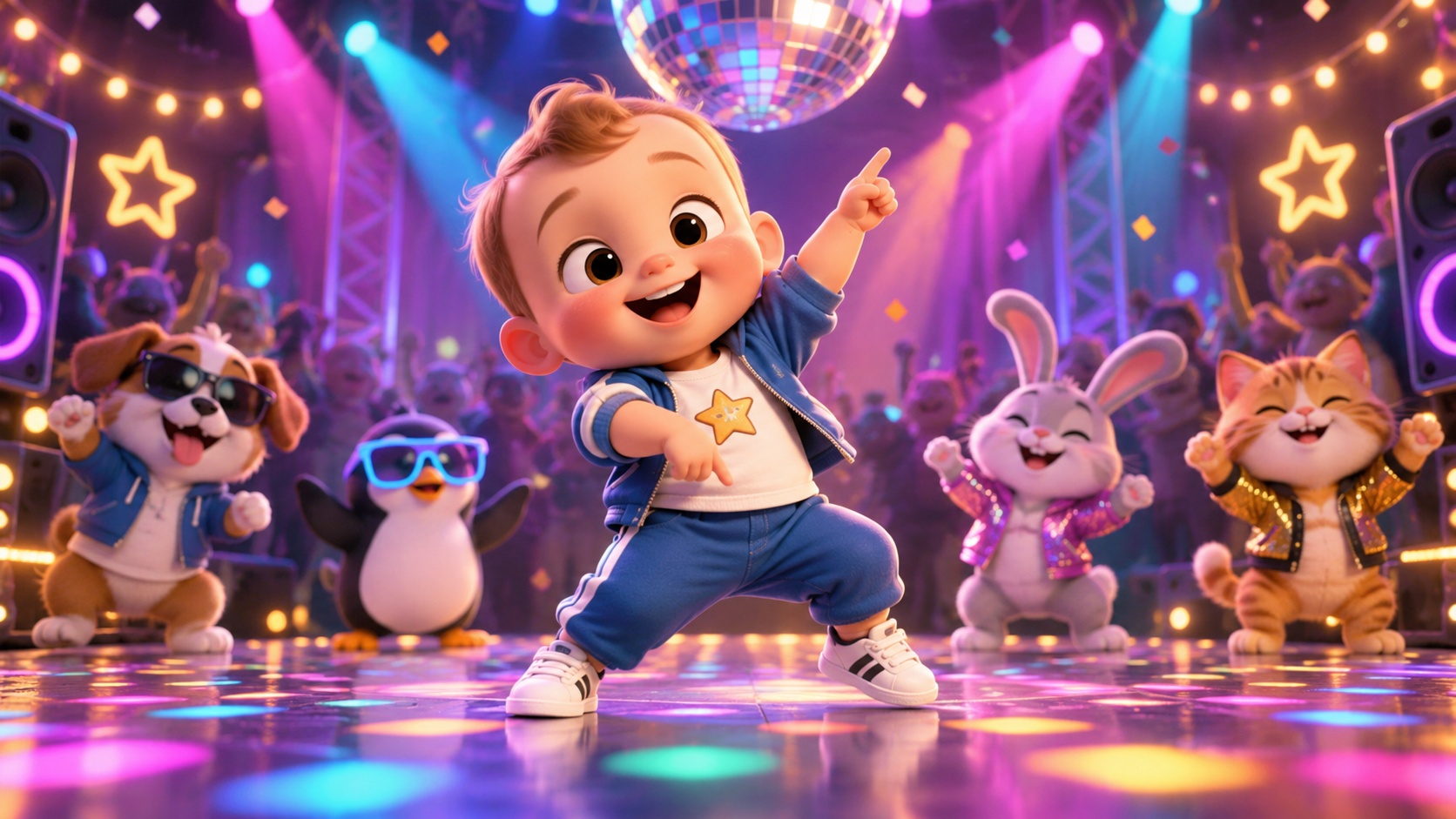
What the AI baby dance trend actually is
Scroll TikTok for two minutes and you’ll hit one: a round-cheeked animated baby throwing down a full dance routine — hitting every beat drop, spinning, waving, pulling an exaggerated final pose. The humor comes from the contrast: a tiny toddler moving like a trained performer. The cuteness does the rest.
It’s the same engine behind the anthropomorphic-cat and dancing-pet trends, pointed at the single most universally adored subject there is: babies. That’s why it travels so fast — there’s no niche to understand, no joke to get. Everyone stops scrolling for a dancing baby.
Why it works as content
- Instant stop-scroll. A dancing baby is pattern-interrupt cute. The first frame does the work.
- Loop-friendly. Short, rhythmic, and designed to repeat — which TikTok rewards with replays.
- Zero production cost. No shoot, no talent, no release forms. One image becomes a full clip.
- Series-ready. Same baby, new song every day — a recognizable format people follow, not just a one-off.
That combination — maximum cuteness, minimum effort, built-in repeatability — is exactly what makes a format compound instead of fizzle after one hit.
Make your own, start to finish
The whole thing is one pipeline: a baby character → a dance set to a beat. Here’s the flow.
- Get your baby character. Generate a cute cartoon or 3D-style baby — pick the look (chubby toddler, big grin, fun outfit) — or start from a photo. Keep it stylized and wholesome; the charm is in the cartoon exaggeration, not realism.
- Pick the music. The beat is the backbone. Choose an upbeat track or let the tool generate a bouncy dance BGM. Tempo decides the energy.
- Choose the moves. Simple and readable beats complicated — waving, hip wiggles, spins, claps. The dance should hit hard on the beat, not show off.
- Generate the dance. The image is animated into a beat-synced dancing clip, with cuts that land on the downbeats.
- Export vertical. 9:16, short, looping — ready for TikTok, Reels, and Shorts.
The AI Baby Dance Video format runs this whole pipeline for you — it generates or takes the baby, syncs the dance to the beat, and cuts the clip.
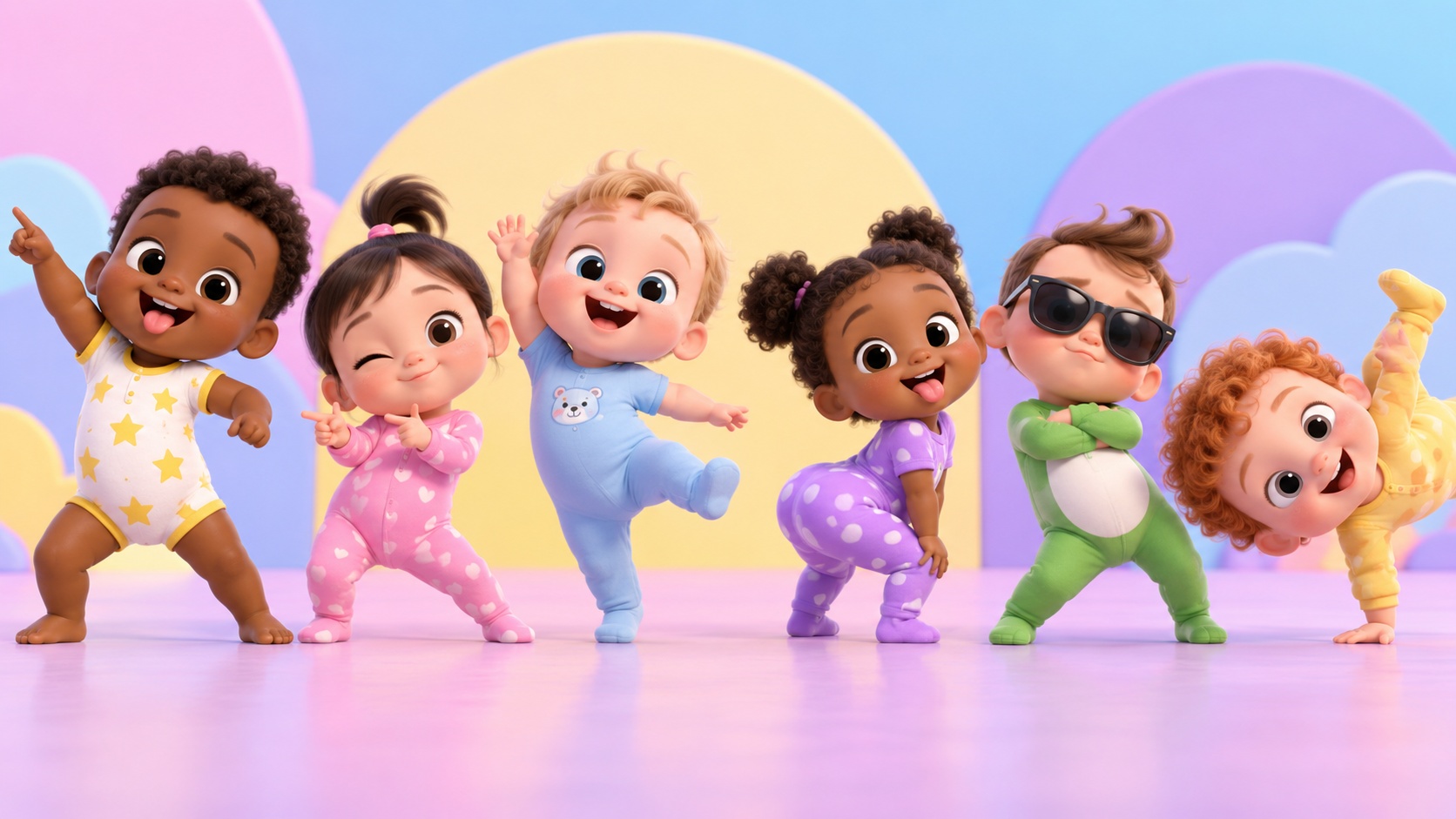
Tips that separate a good one from a flat one
- Cute over complex. Big, simple, exaggerated moves read better at thumbnail size than intricate choreography.
- Lock the character. Keep the same face, hair, and outfit across the whole clip — consistency is what makes it feel finished.
- Hit the drop. Save your biggest move for the beat drop. That’s the moment people screenshot and share.
- Loop the ending. End on a pose that flows back to the opening frame so the replay is seamless.
- Run it as a series. One dancing baby, a new song each day, beats one viral fluke every time.
A note on keeping it wholesome
Keep these stylized and cartoon-like. The appeal is a charming animated character, not a realistic depiction of a real child — stick to cute, playful, clearly-illustrated babies, and the content stays on the right side of every platform’s rules.
Where it fits
Baby dance is a cousin of the broader dance-video and pet-video trends. If you want to branch out, the AI Dance Video Generator animates any character or illustration, and the AI Animal Vlog Generator rides the same cute-character wave. For turning any of these into an actual channel, see making money with AI videos.
Ready to make one? Start with the AI Baby Dance Video format, or browse the full AI video skills library.