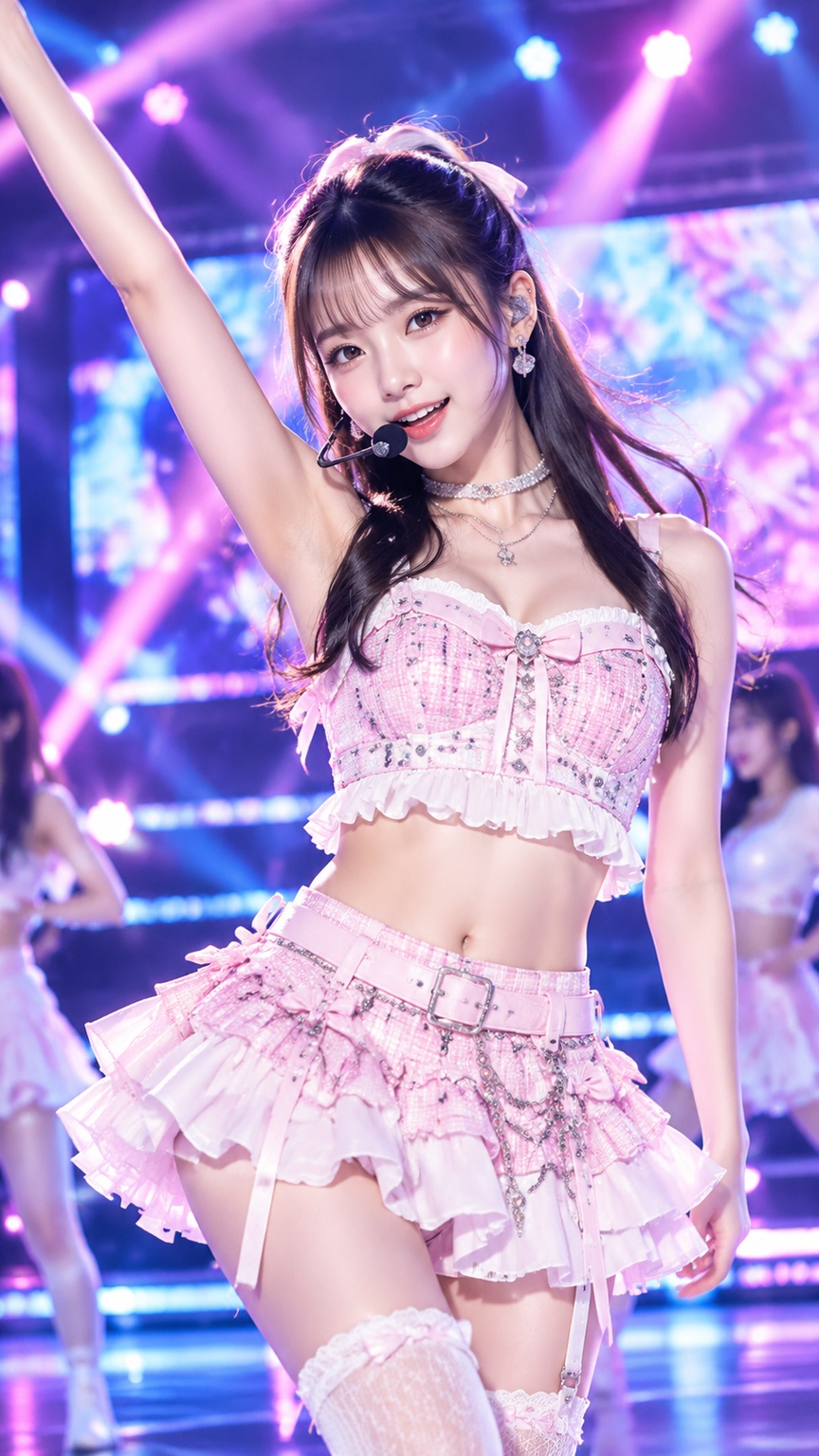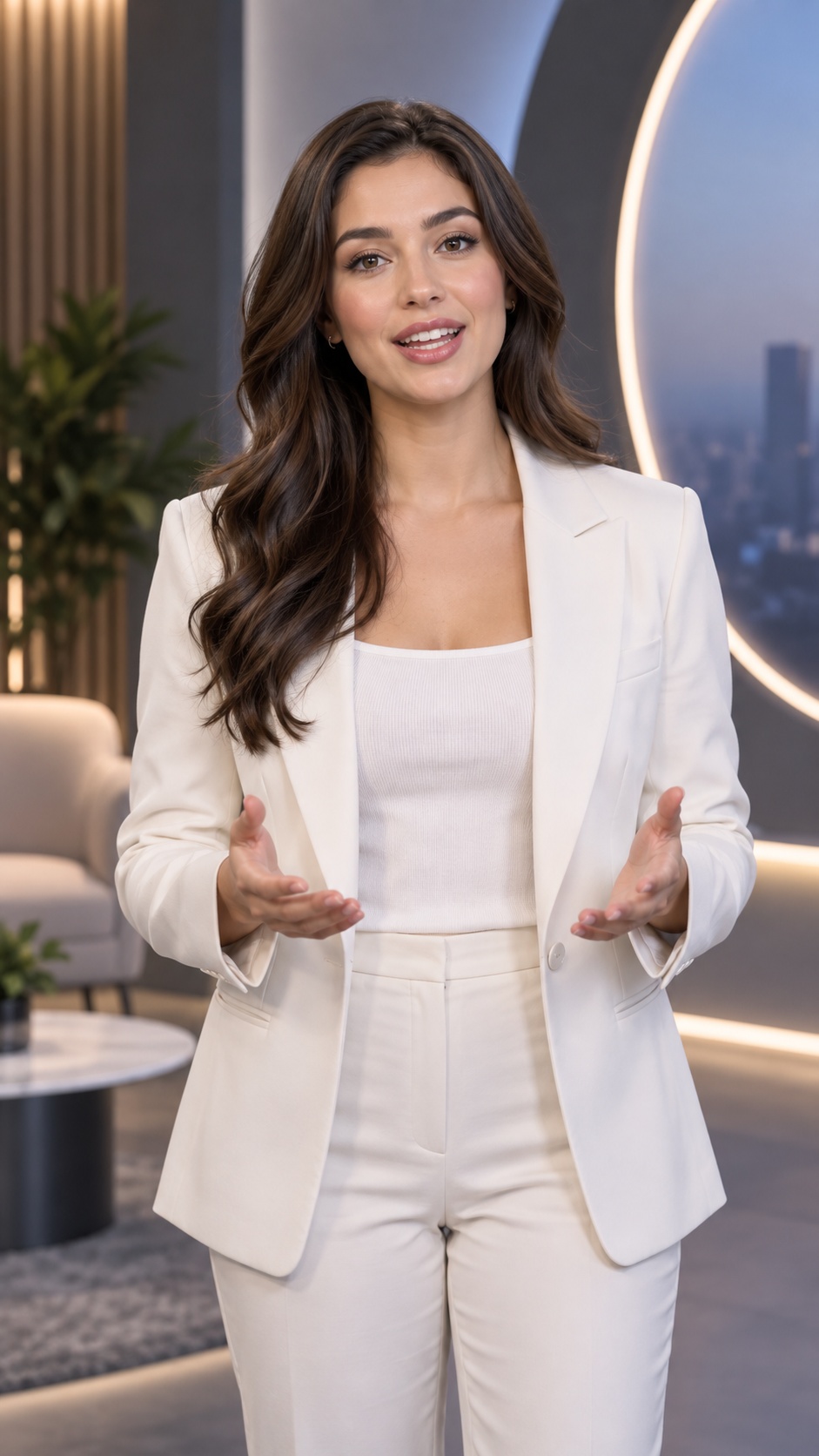
Music & Voice
Virtual Avatar Video
AI Talking Avatar Generator
Create a talking-avatar video by combining a single portrait image with an audio track. The workflow is built for clean lip sync on a clear front-facing face, with a straightforward portrait-to-speaking-video result rather than a stylized animation treatment.
Best for
- talking-head explainers
- virtual presenters
- voiceover avatar videos
- training or onboarding clips
- simple character spokesperson scenes
Not for
- multi-character scenes
- full-body motion performance
- stylized cinematic animation
Visual signatures
front-facing portrait compositionclear, well-lit facial featuresprofessional portrait looksingle on-screen avatarspeech-driven lip movement synced to audio
How it works
- 01Provide an audio file
- 02Use an existing portrait or define the avatar’s gender, age, appearance, and clothing
- 03Generate or select a clear front-facing avatar image
- 04Check that the face is clearly detectable and suitable
- 05Render the lip-synced avatar video from the image and audio