Commercial
Script-to-Video (Script Upload Required)
Script to Video AI Generator
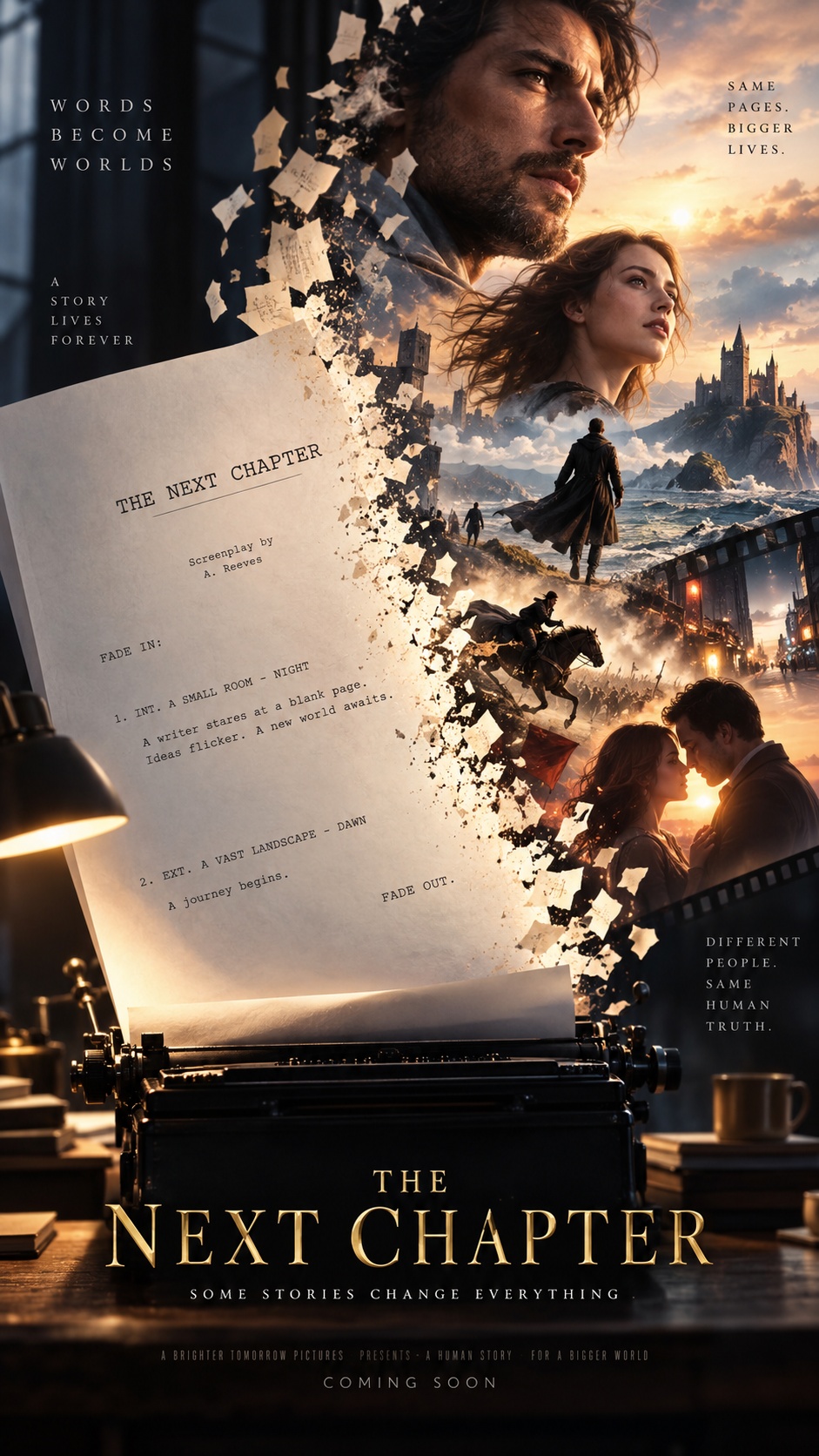
Turn an uploaded script into a storyboarded video that stays faithful to the original dialogue, action, and scene order. The workflow is built around longer one-take style shots with internal cuts, and pauses at key stages so you can review the plan, prompts, and generated assets before moving on.
Best for
- scripted short films
- dialogue scenes
- proof-of-concept trailers
- dramatic sequences
- story-first visual drafts
Not for
- improvised concepting without a script
- fast auto-generated videos with no review
- heavily non-narrative montage pieces
Visual signatures
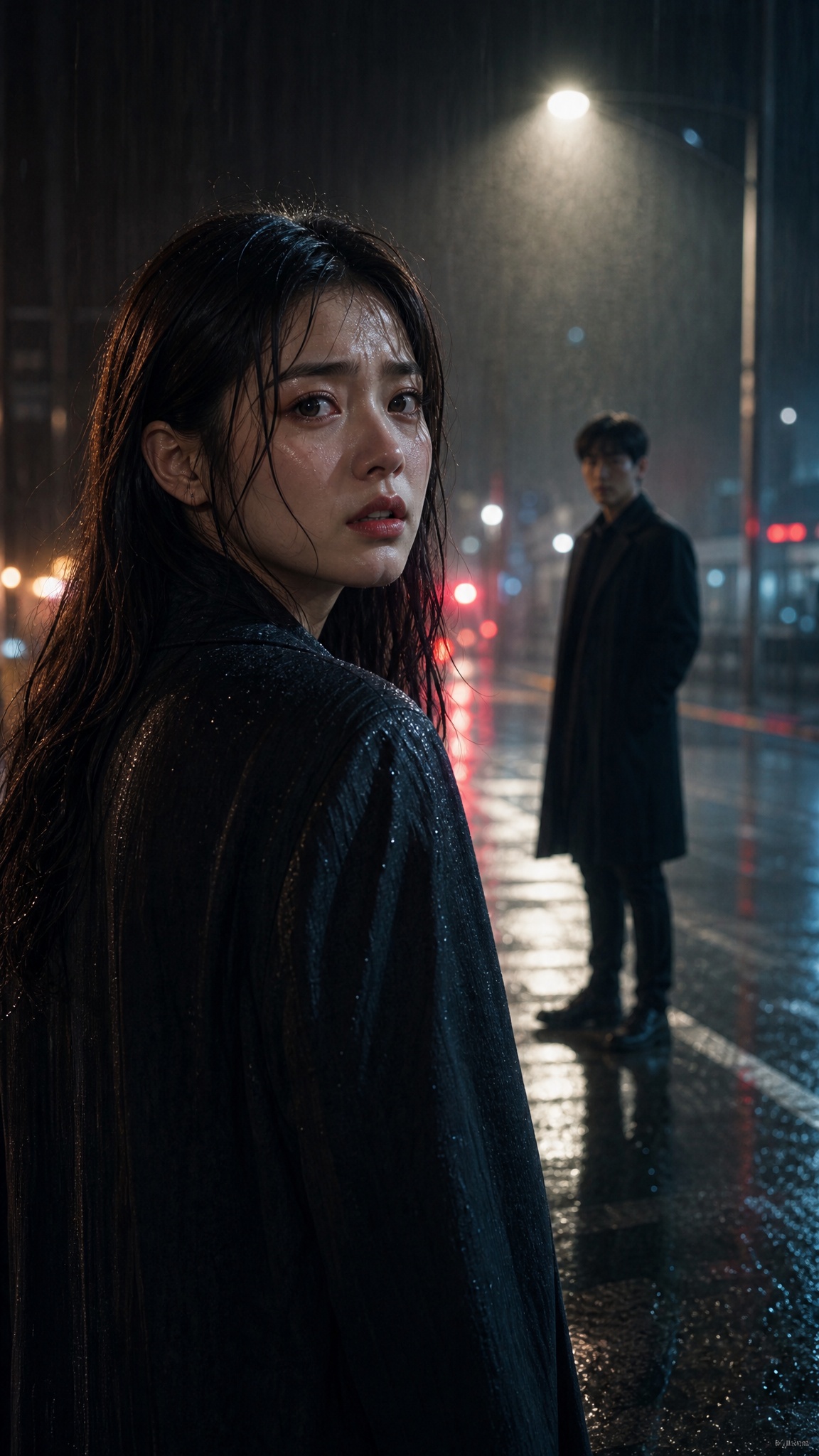
one-take oriented shot design with internal cutslonger cinematic shots, typically 10–30 secondsscript-accurate dialogue and scene progressionconsistent character and location look across shotsplanned audio layers for narration, dialogue, and background music
How it works
- 01Upload your script file
- 02Review the video spec and storyboard
- 03Approve image prompts for characters, props, and locations
- 04Approve shot prompts, then generate video and audio
- 05Review the assembled edit and export