Directors & Film
8-Bit Retro Arcade Director
Pixel Art Video Generator
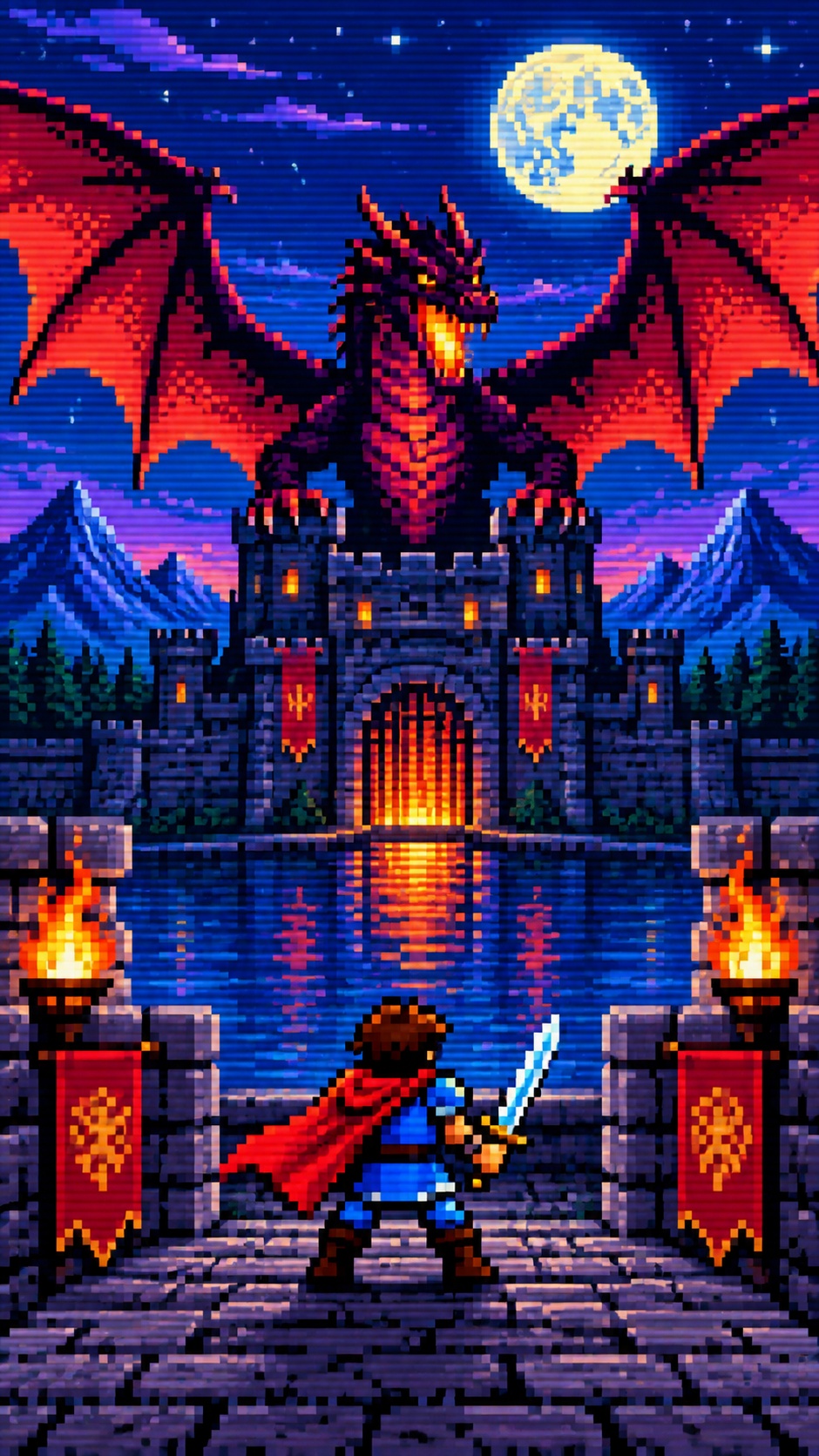
Creates images and short videos that look like playable 8-bit arcade games rather than general pixel illustrations. The style centers on side-scrolling level screens, readable sprite characters, limited color palettes, and simple low-frame gameplay actions with retro UI layered on top.
Best for
- pixel game key art
- sprite and prop asset sets
- side-scrolling level scenes
- 5-second gameplay loops
- 15-second retro promo shorts
Not for
- cinematic camera moves
- realistic characters
- high-detail modern animation
Visual signatures
side-scrolling arcade screen compositionlimited 8-bit color palettes with dark outlinessimple 32x32 or 48x48 hero sprites and smaller enemy spritestile-based platforms, coins, hazards, and goal objectsretro HUD elements like score, lives, level labels, and STAGE CLEAR
How it works
- 01Choose the output: still image, asset set, 5-second loop, or 15-second short
- 02Pick a game theme, main character, level type, enemies, props, and whether to include UI
- 03Build the core assets: hero, enemies, items, level background, UI, opening frame, ending frame
- 04Lay out a short gameplay storyboard with simple actions like walk, jump, collect, attack, or clear the stage
- 05Generate the final pixel-art frames or video and refine any assets or timing